PanelAgent
Backups of an agent
Every night the node saves the memory, the tasks, the settings and the prompts of the agent to the platform. You can create a new agent from any backup.
Who can do it
Any member of the project.
1
Step 1: Look through the backups
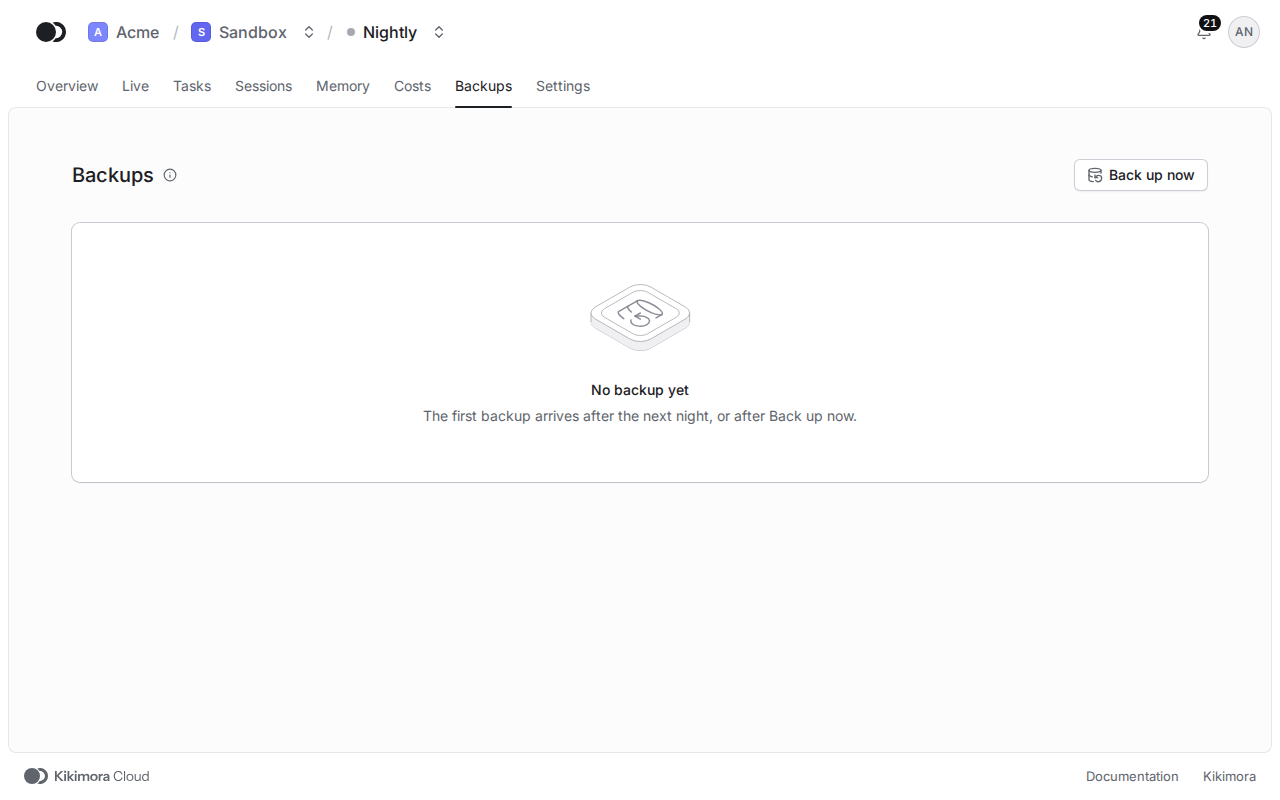
Click the Backups tab. Each row shows when the backup was Made, its Trigger, Node, Memory entries, Size, the Kikimora version and when it Expires. Back up now asks the node for a backup outside the nightly schedule.
To bring an agent back, pick New agent from backup in the menu of a backup row, give it a Name, pick a Node and click Create agent. The new agent gets the configuration of the agent and the memory and the tasks of this backup, and the agent the backup comes from stays as it is.
Matches the panel at cloud.kikimora.dev.