PanelOrganization
Organization settings
The organization settings change its name and slug, its look in the panel and the threshold for switching Claude accounts in every project.
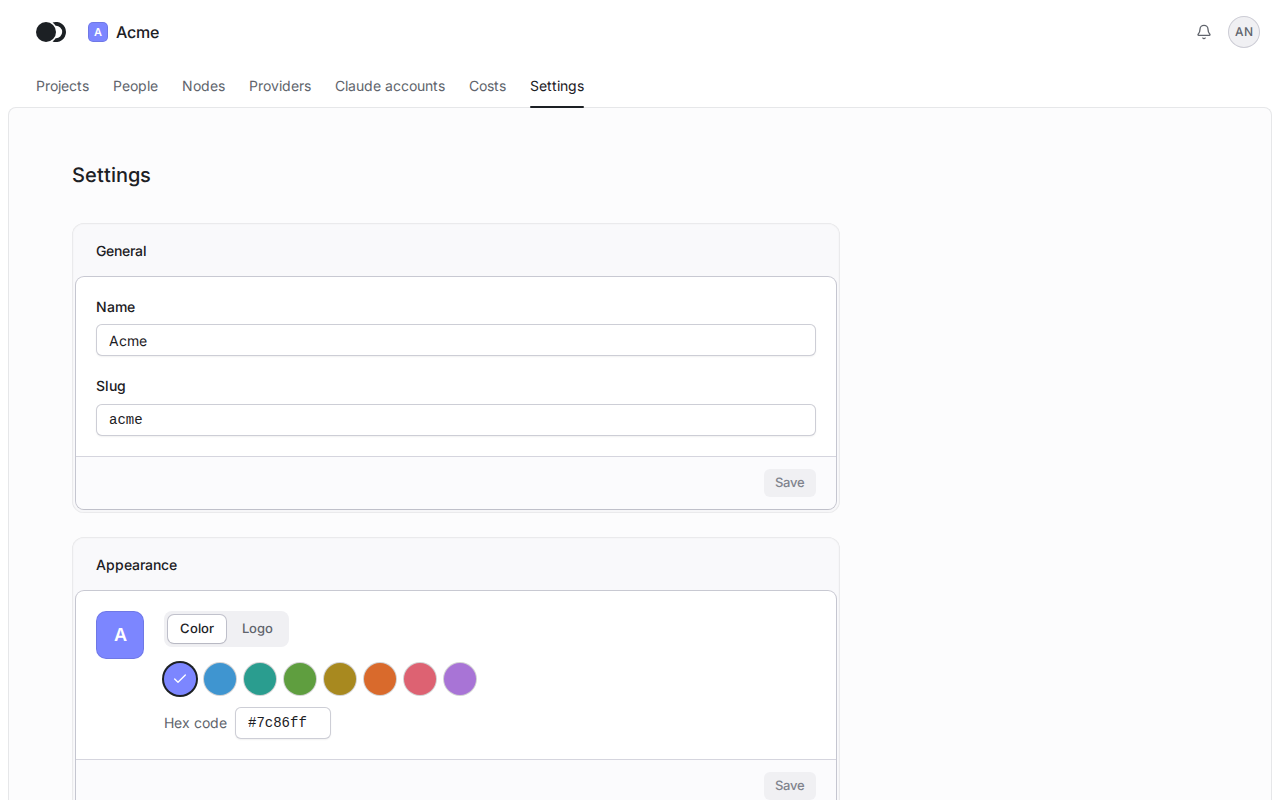
Step 1: Name, slug and appearance
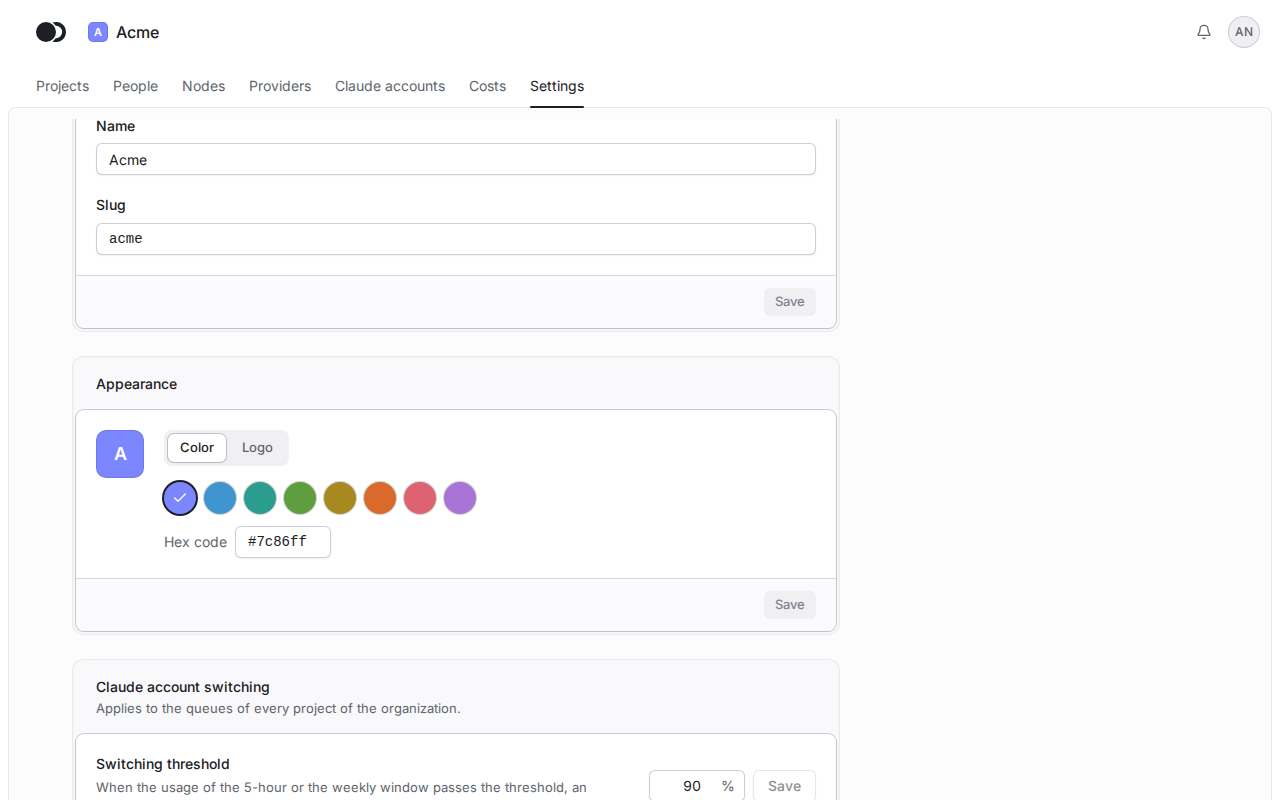
Click Settings in the header of the organization. In the General section, change the Name or the Slug and click Save. After a change of the slug, scripts and kcloud --org with the old slug stop finding the organization. In the Appearance section, pick a Color (a swatch or a Hex code) or a Logo (Choose image: PNG, JPEG or WebP of up to 512 KB) and click Save.
Step 2: The threshold for switching Claude accounts
In the Claude account switching section, set the Switching threshold and click Save. When the usage of the 5-hour or the weekly window passes the threshold, an agent moves to the next account of its queue between tasks. 100% turns early switching off.
Matches the panel at cloud.kikimora.dev.