PanelProject
Tools
A tool gives agents access to a service with an API, an MCP server or a set of environment variables, for example an issue tracker, a CI server or a deploy script. The key of a tool stays out of the prompt of the agent.
Step 1: Open the Tools tab
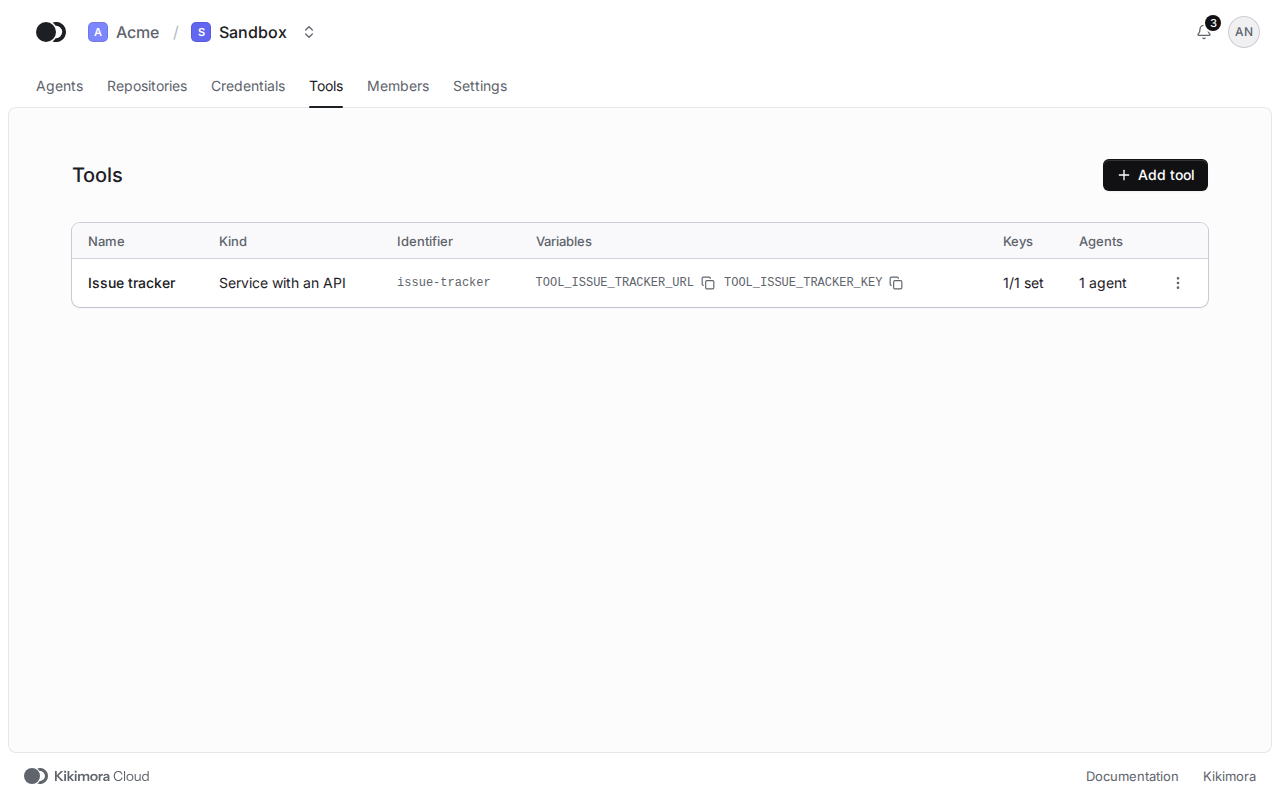
In the project, open the Tools tab. The list shows the kind, the variables, the state of the keys and the number of agents of each tool. Click Add tool.
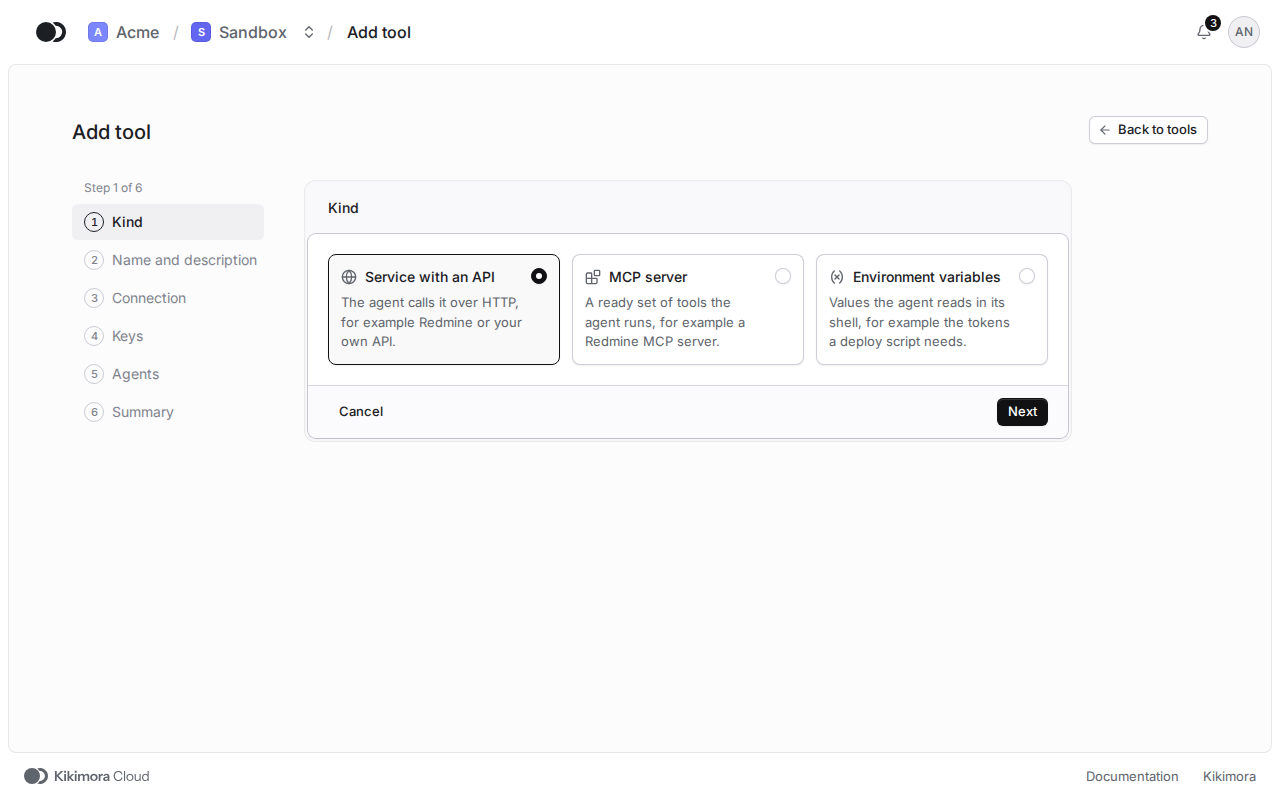
Step 2: Kind
Pick Service with an API, MCP server or Environment variables and click Next.
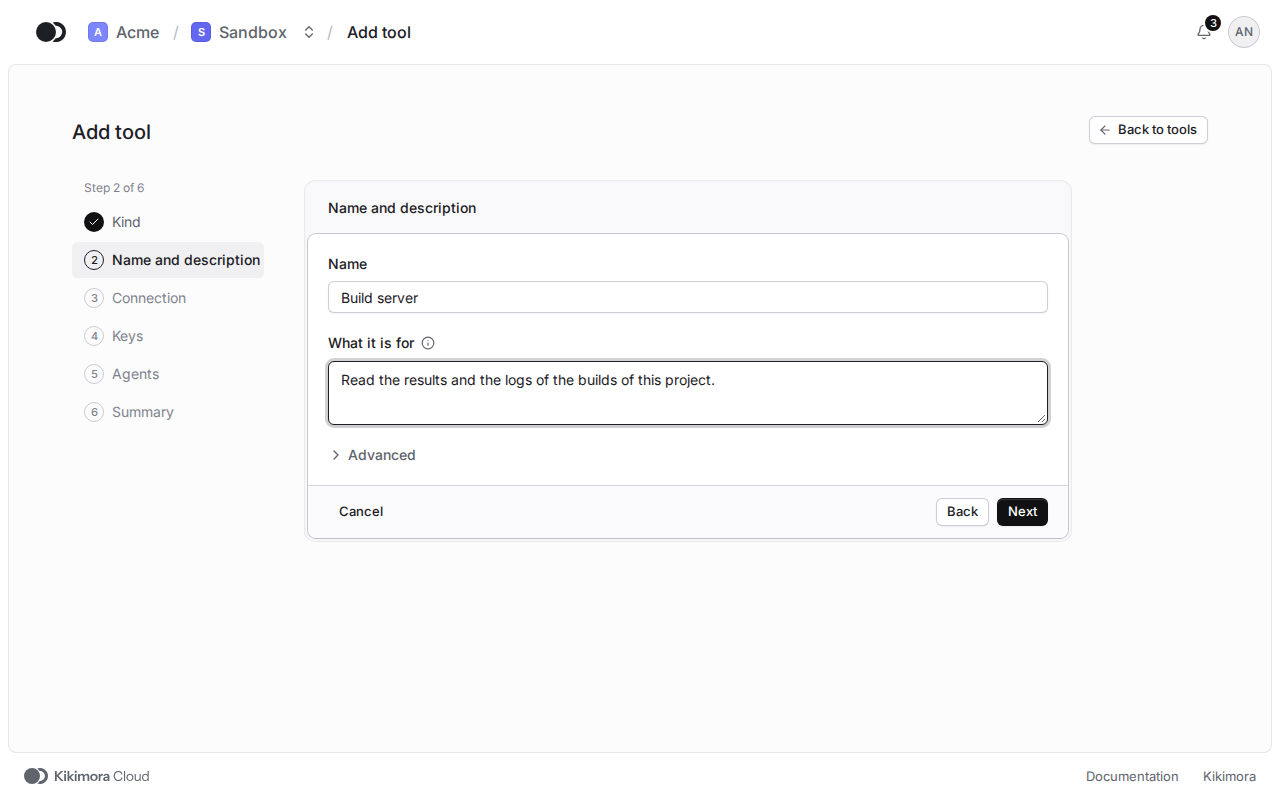
Step 3: Name and description
Type the name and write in English what the tool is for. The agent reads this to decide when to use the tool.
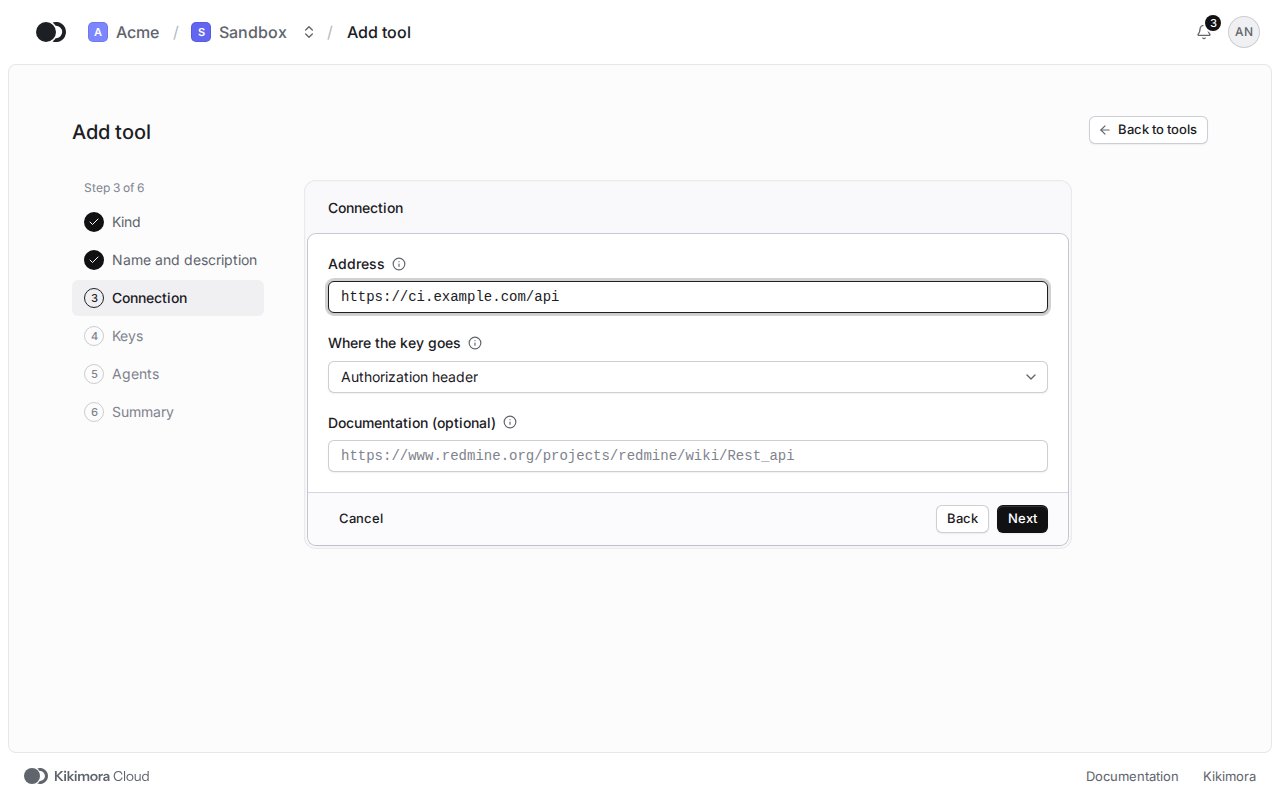
Step 4: Connection
For a service with an API, type the Address and pick where the key goes. An MCP server needs a command or an address, and environment variables need the list of variables.
Step 5: Keys, agents and summary
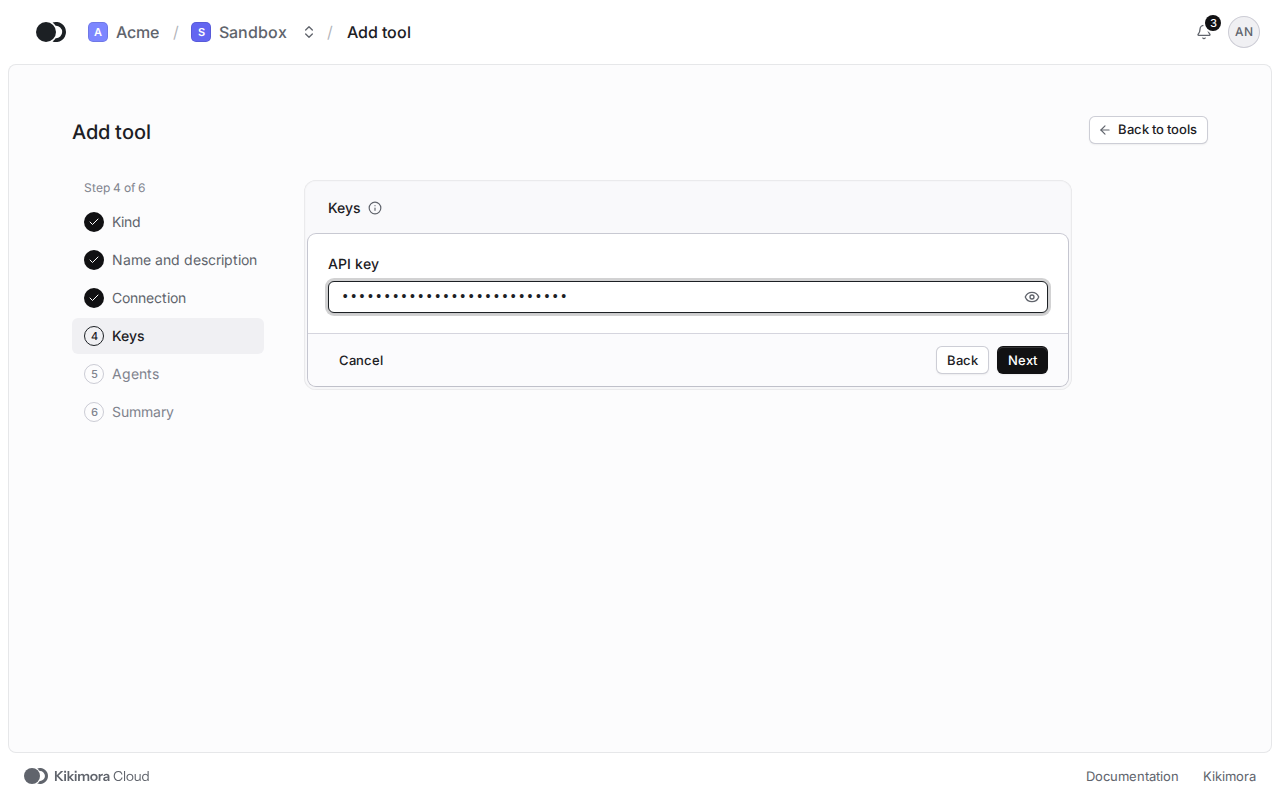
Type the key, which the platform stores encrypted. In the Agents step you can give the tool to agents right away or click Skip, and in the Summary click Add tool.
Matches the panel at cloud.kikimora.dev.