PanelAgent
Agent overview
The overview tells what the agent does now, what needs attention, what it did lately and how it is going, and the buttons in its header control its work.
Step 1: Open the agent
Click the name of the agent on the Agents tab of the project. The heading bears its name and state, and the Now section tells since when the agent stands still. A stopped agent has the Start button in its header: click it to put the agent to work.
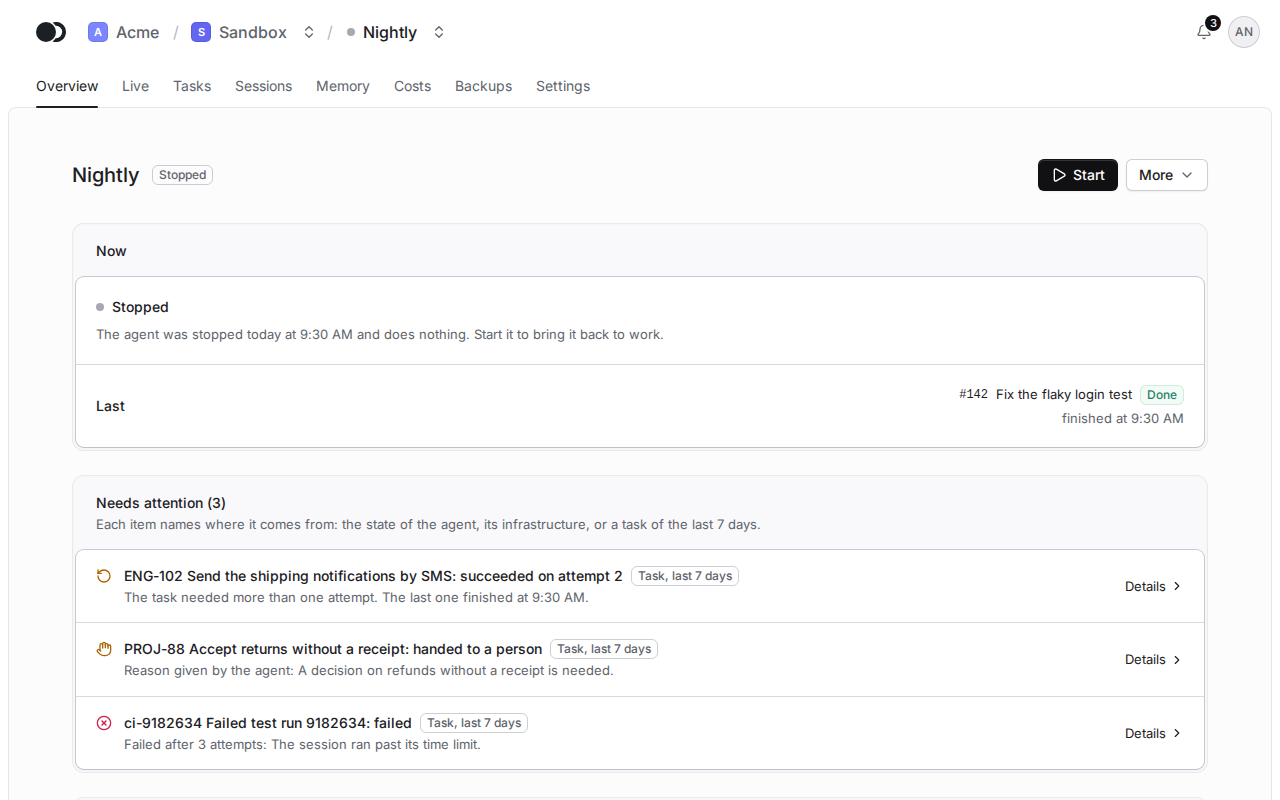
Step 2: Follow the work of the agent
The Now section tells which task the agent works on, on which attempt and since when, and while it does nothing, what it did last and when it reviews new work. Needs attention gathers a failure, a trouble with the Claude account or the infrastructure, and the tasks of the last 7 days that failed, succeeded only on a later attempt or that the agent handed off to a person. Recent work shows the tasks of the last 7 days, How it is going counts them and their cost over 24 hours or 7 days, and Technical details unfold the Claude account, the runtime, the repositories and tools, the machine with its versions and the resources.
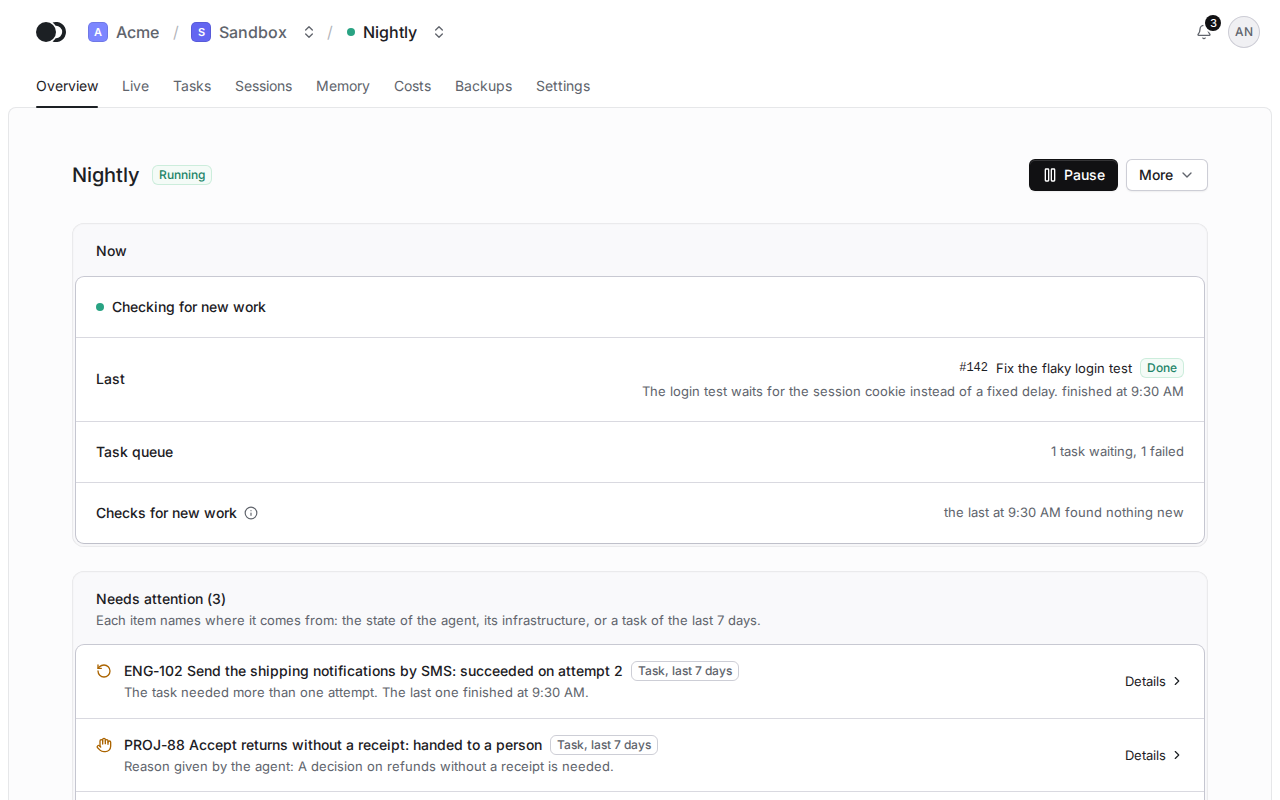
Step 3: Stop the agent
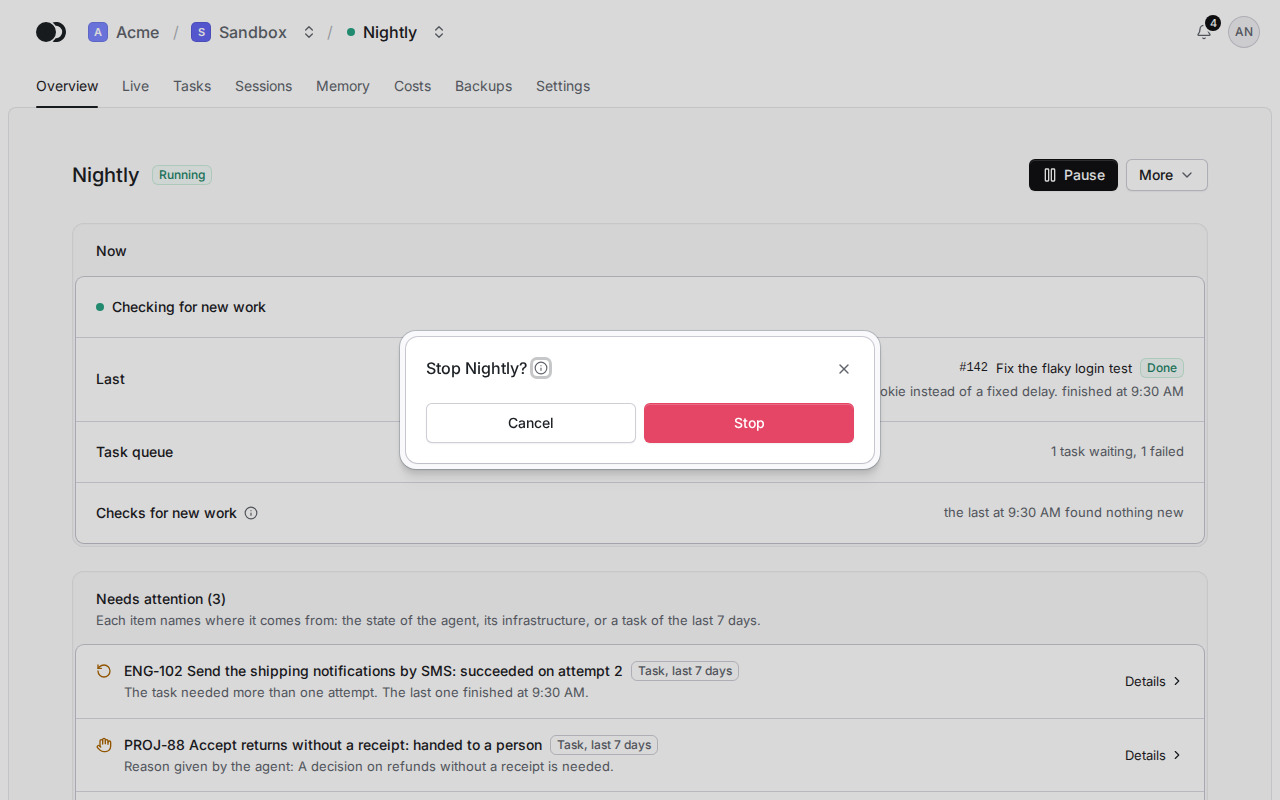
Click More, pick Stop and confirm in the dialog. The agent finishes the session in progress first, and only then its container stops.
Tasks with the same source label, such as the key of an issue that the monitor gave when it queued them, stand in one group under Recent work, with a link to the source when the monitor gave its address too. A task without a source stands alone under its title and id. Click the title of a task to open it on the Tasks tab.
The panel shows only the actions the current state of the agent allows: the first as a button and the others in the More menu. Start starts a stopped agent. Pause keeps the container running, but no new session starts until you click Resume. Stop waits for the session in progress to end, and Stop now cuts it off, so what the session has not committed is lost.
Restart and Apply changes replace the container of the agent with a new one built from the saved configuration. A change to the version, the credentials, the repositories, the tools, the time zone or the machine reaches the agent only then, and the panel reminds you with the Restart required banner.
Reset workspace is available while the agent is stopped: every repository is cloned again, the .kikimora directory stays, and work that was never pushed is lost. Cancel operation drops a preparation, a reset or a container replacement that is stuck or has failed.
Matches the panel at cloud.kikimora.dev.