PanelGetting started
The language of the panel
The panel speaks Polish and English. The language is saved on your account, and the theme in your browser.
Who can do it
Anyone with an account in the panel.
1
Step 1: Pick the language
Click your avatar in the top right corner, point at Language and pick English or Polski. The panel switches to that language at once.
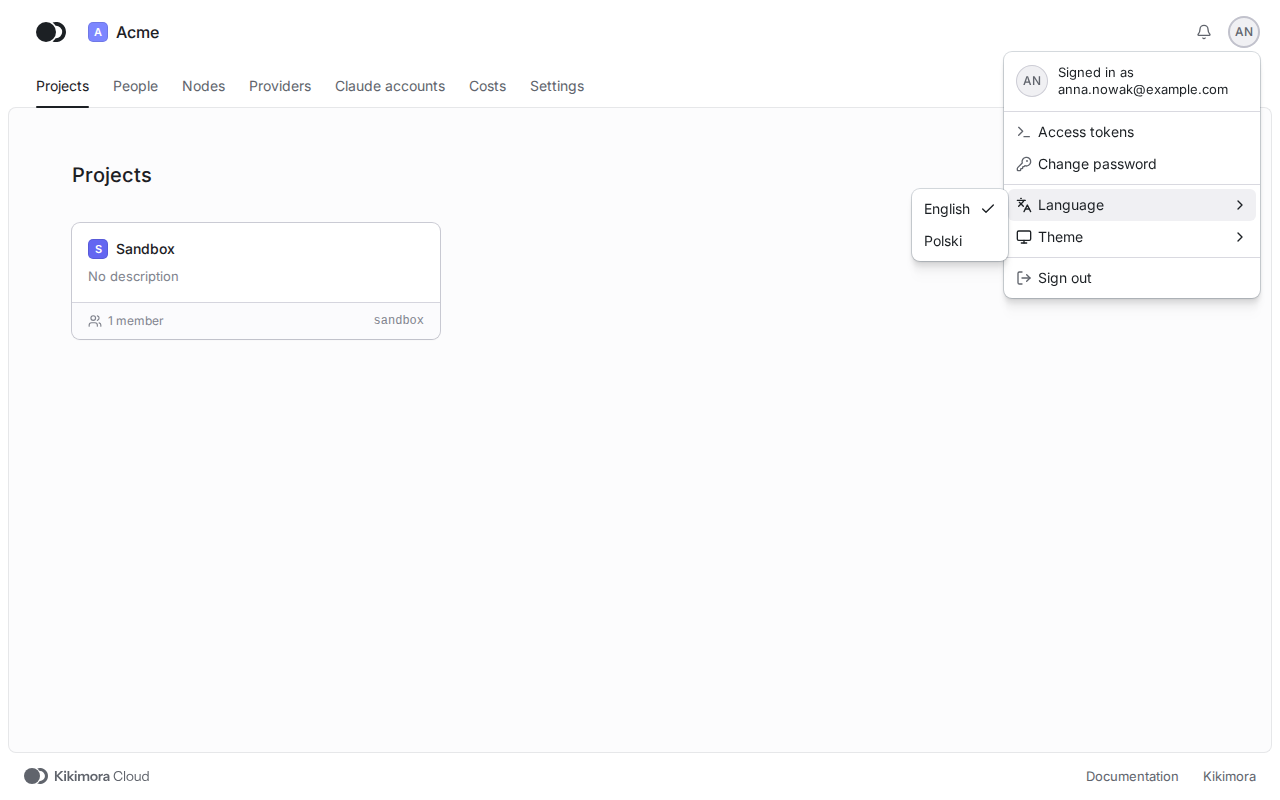
The language is a setting of your account, so the panel opens in it in every browser you sign in from. The administrator who creates the account picks its first language.
2
Step 2: Pick the theme
In the same menu, point at Theme and pick Light, Dark or System. System follows the setting of your operating system. The theme applies in this browser.
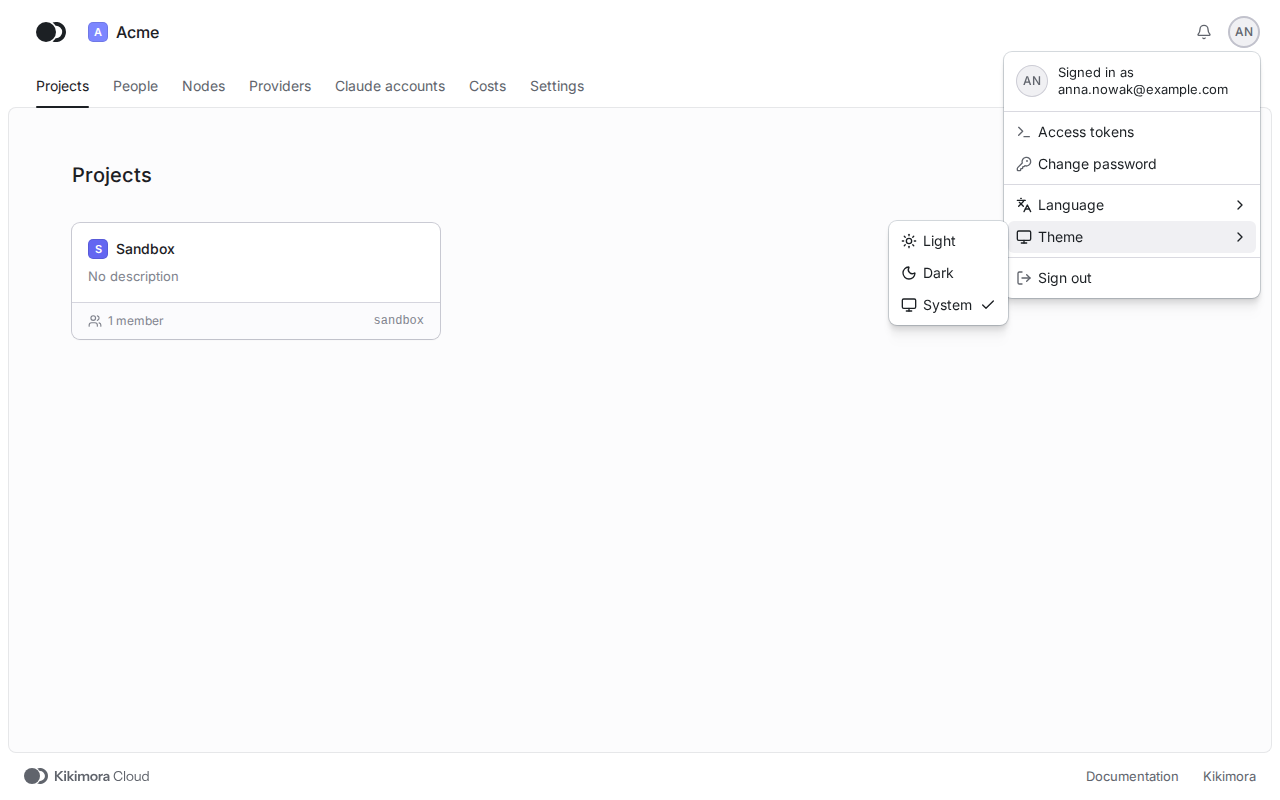
Matches the panel at cloud.kikimora.dev.