PanelAgent
Settings of an agent
The settings have the same parts as the agent wizard. You save each section on its own, and some changes reach a running agent at once.
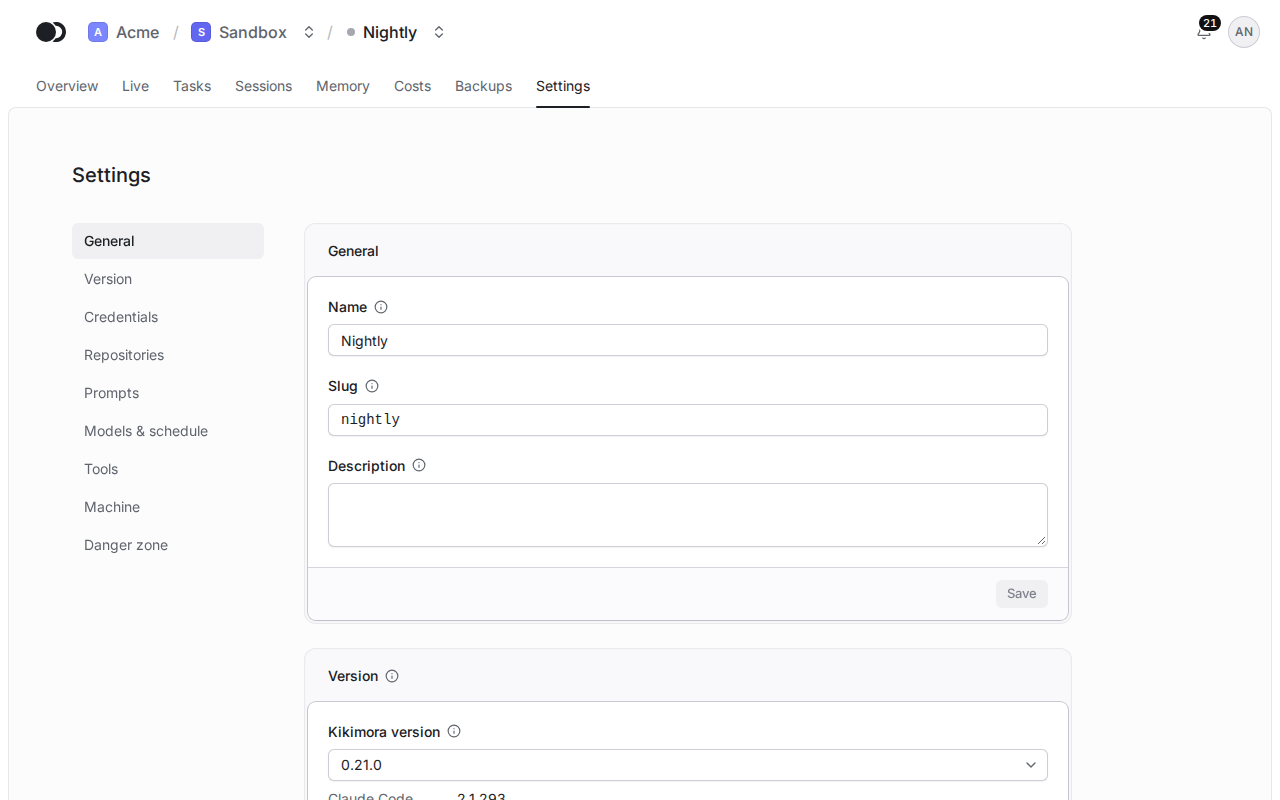
Step 1: Open the settings
Click the Settings tab. The menu on the left takes you to a section: General, Version, Credentials, Repositories, Prompts, Models & schedule, Tools, Machine and Danger zone.
Step 2: Change a section and save it
Change the fields of a section, for example Prompts, and click Save under it. The icon next to the title of the section says when the change takes effect.
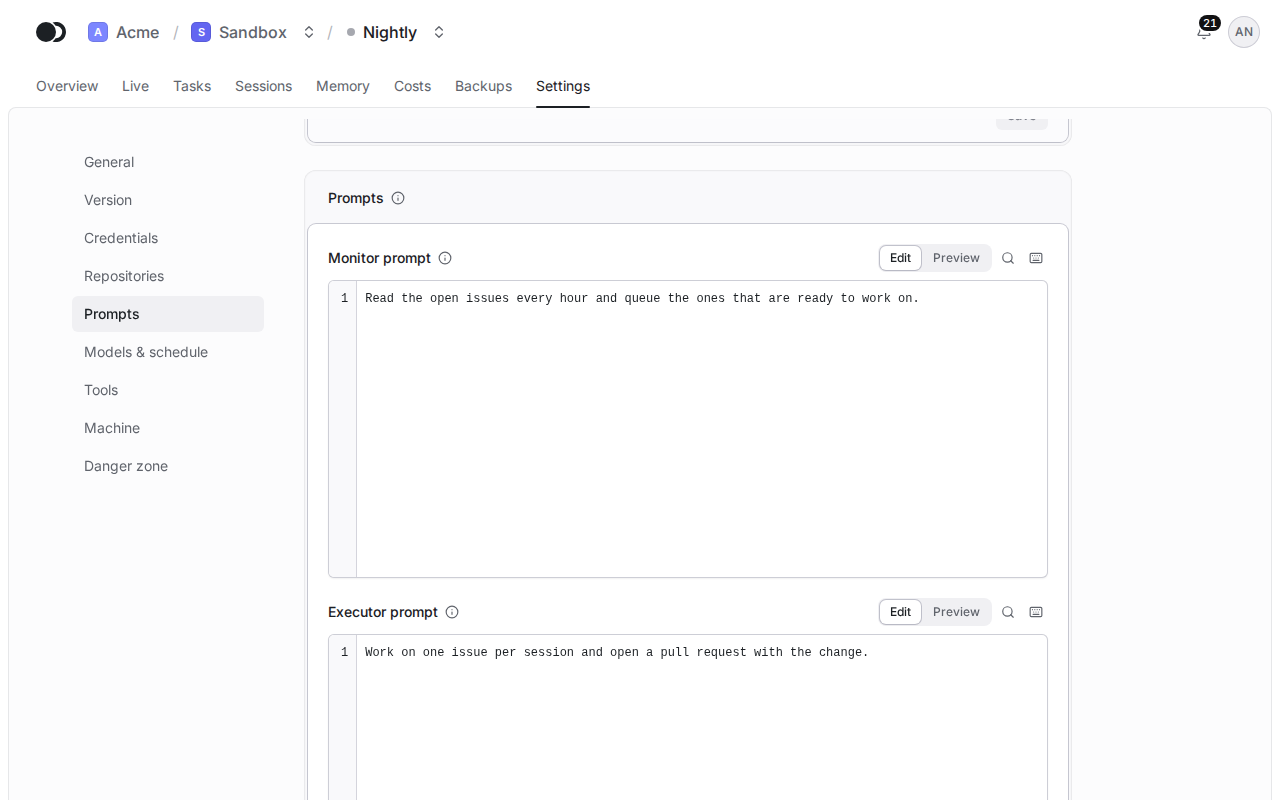
The prompts reach a running agent without a restart, and so do the models and the effort, while a change of the time zone needs one. The Version, Credentials, Repositories, Tools and Machine take effect only after you click Apply changes on the overview of the agent. You cannot change the node: an agent never moves to another node.
Step 3: Delete the agent
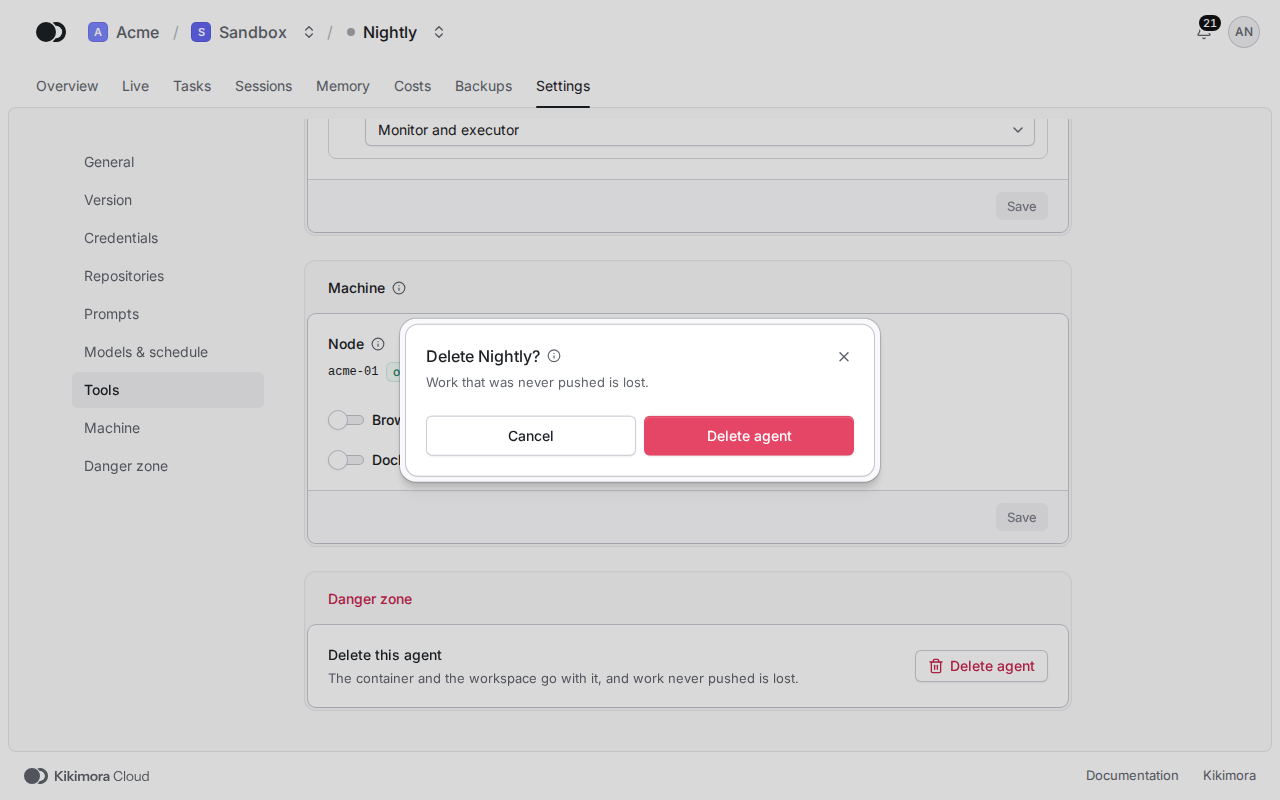
In the Danger zone, click Delete agent and confirm. If a session is in progress, the dialog also asks whether to wait for the session or to stop the agent now. The container and the whole workspace are removed, and work that was never pushed is lost.
Matches the panel at cloud.kikimora.dev.