PanelOrganization
The page of a provider account
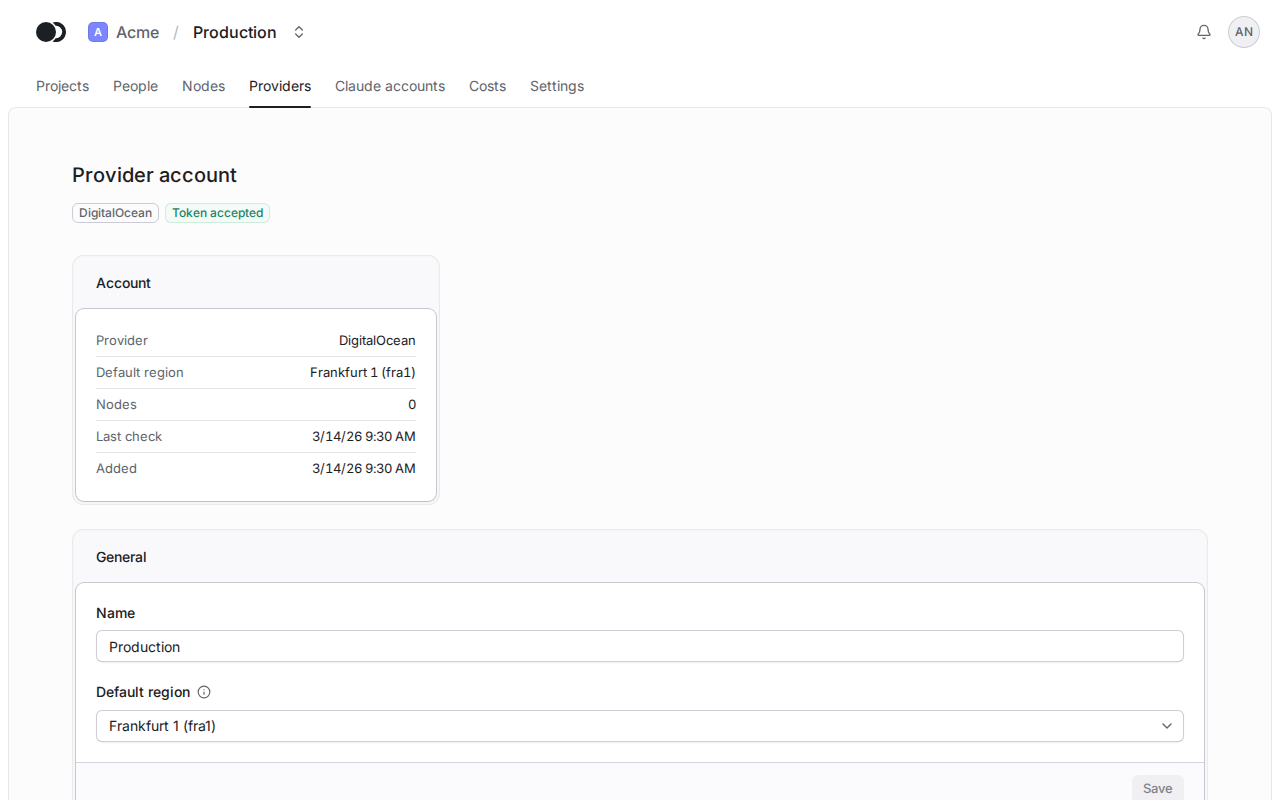
The page of a provider account shows the result of the token check and the nodes that run on the account. An organization admin changes its name and default region, replaces the token and deletes the account here.
Step 1: Open the account
Click the name of an account on the Providers tab. The Account panel gives the provider, the default region, the number of nodes and the time of the last check. In the General section you change the Name and the Default region and keep them with Save.
Step 2: Replace or check the token
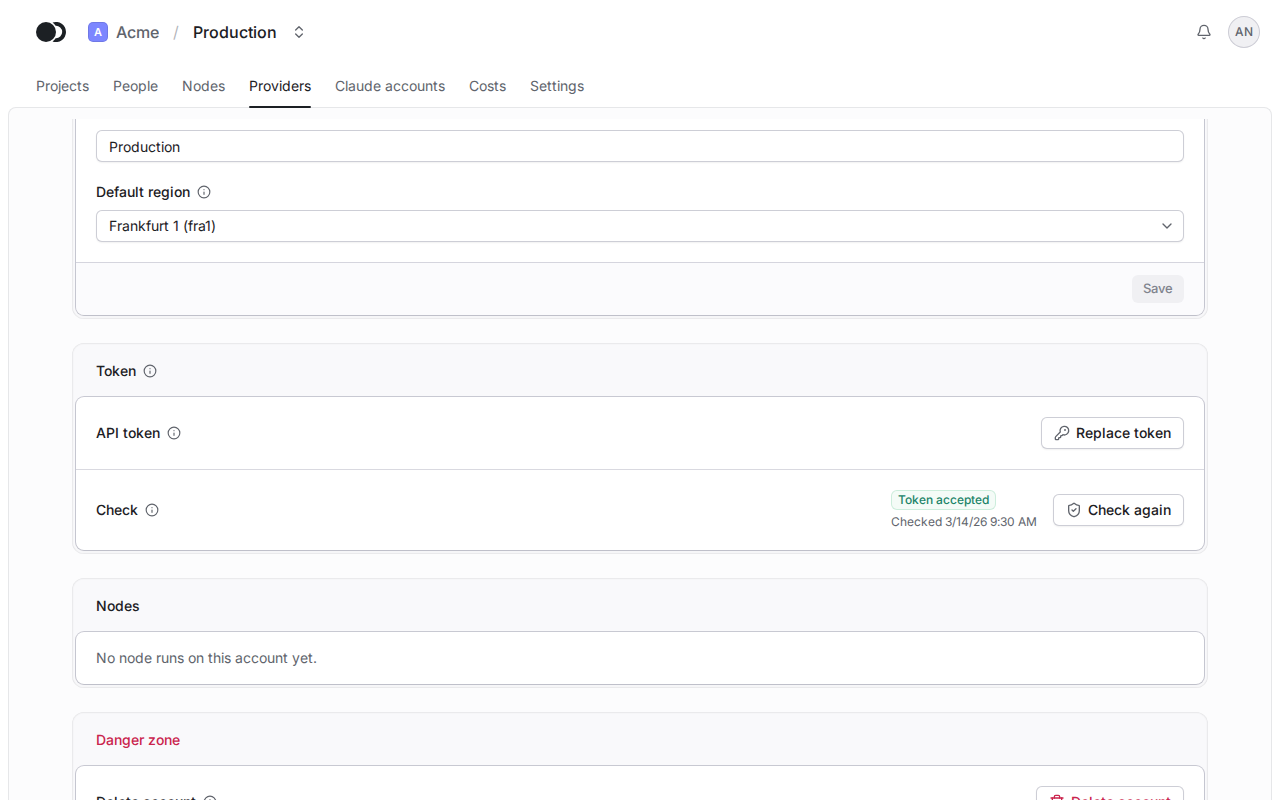
After you rotate the token at DigitalOcean, click Replace token and paste the new one. The platform checks it before it stores it, and the old token stays when the check fails. Check again tells whether DigitalOcean accepts the token and whether it holds every scope needed.
Step 3: Delete the account
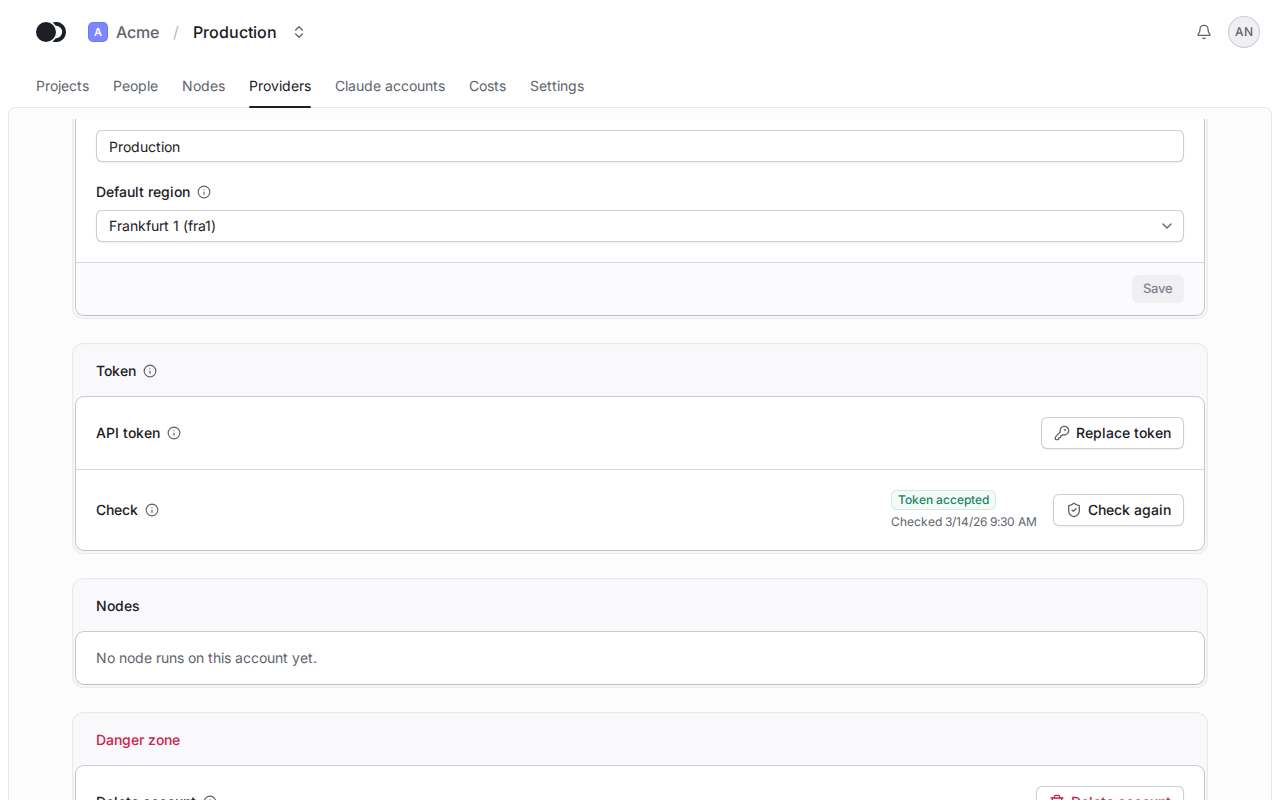
The Nodes section lists the nodes of this account. Delete account in the Danger zone works only once no node runs on the account. The platform forgets the account and its token, and nothing changes at DigitalOcean.
Matches the panel at cloud.kikimora.dev.