PanelProject
Agents of a project
The Agents tab shows what each agent of the project is doing right now. The list follows the agents live, so there is no need to reload it.
Who can do it
Any member of the project.
1
Step 1: Open the project
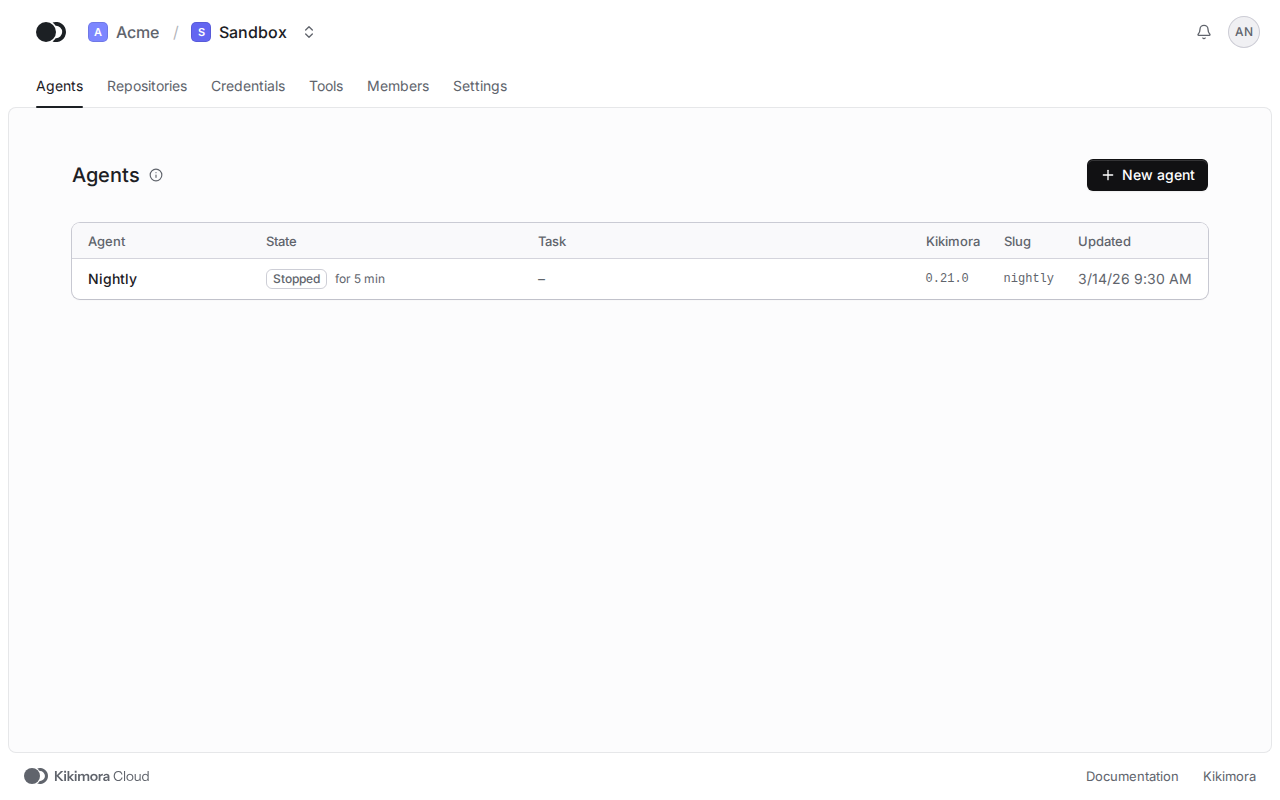
Pick the project in the menu on the left or in the list of projects of the organization. The project opens on the Agents tab.
2
Step 2: Check the current work
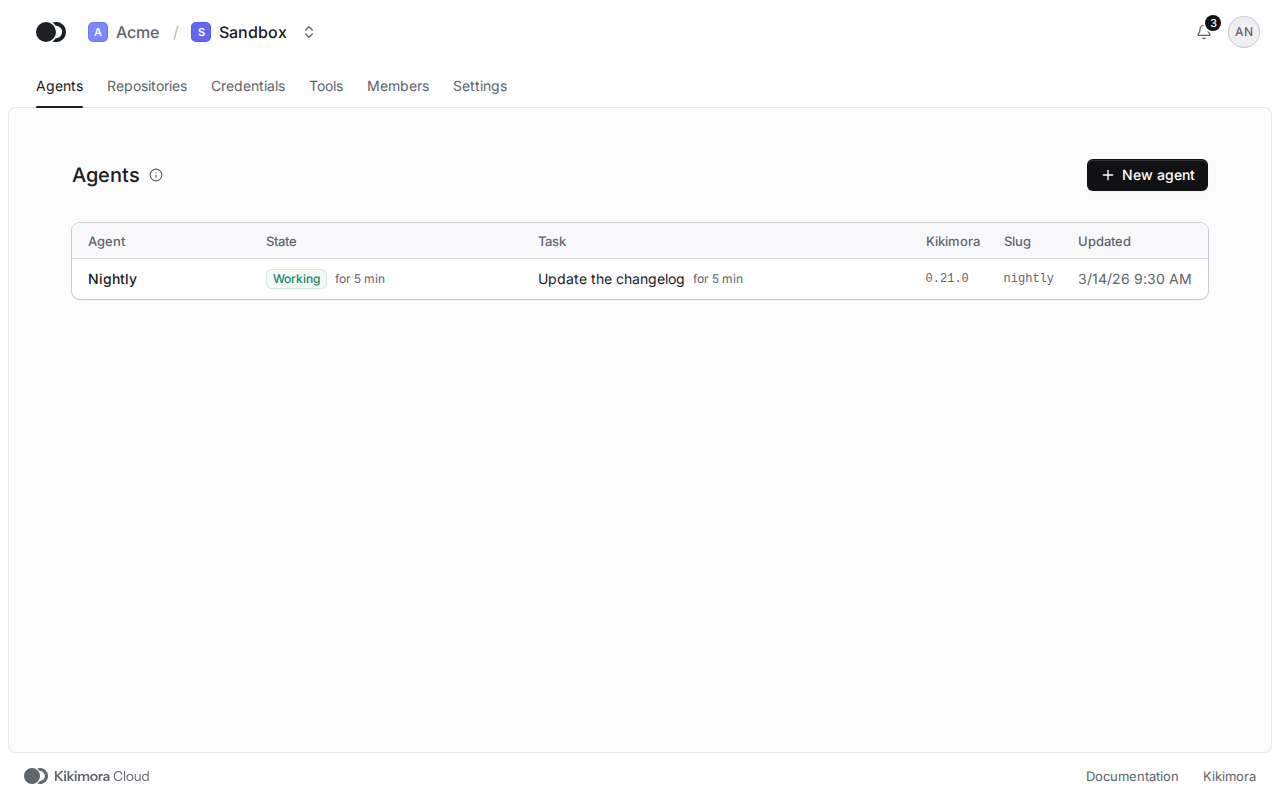
The State column tells since when the agent works or what it waits for, and the Task column shows what it is busy with now. The Kikimora column gives the release of the agent.
3
Step 3: Open an agent
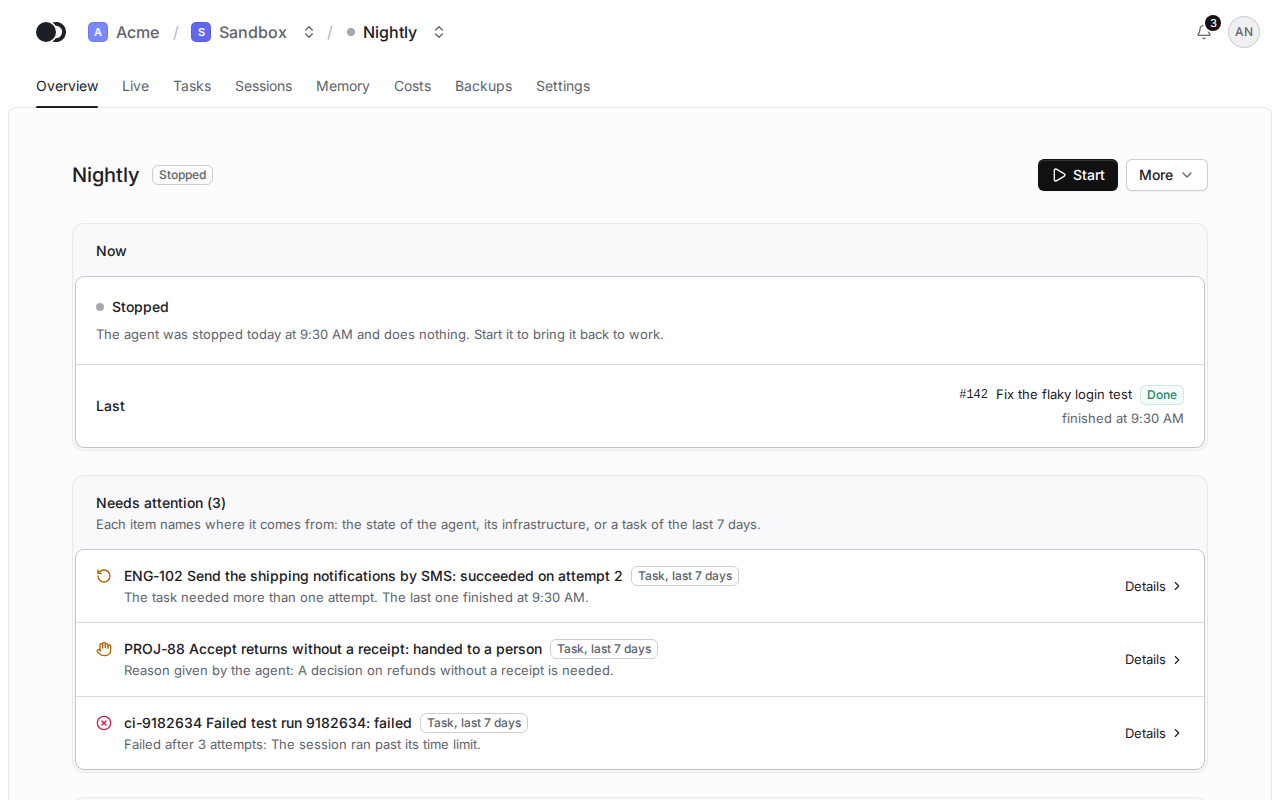
Click the name of the agent. On its page you start, pause or stop it and see its tasks, sessions and costs.
Matches the panel at cloud.kikimora.dev.