PanelGetting started
Notifications
The panel tells you what needs attention: a credential that failed verification, an agent that stopped working, or the Claude accounts of a project queue running out.
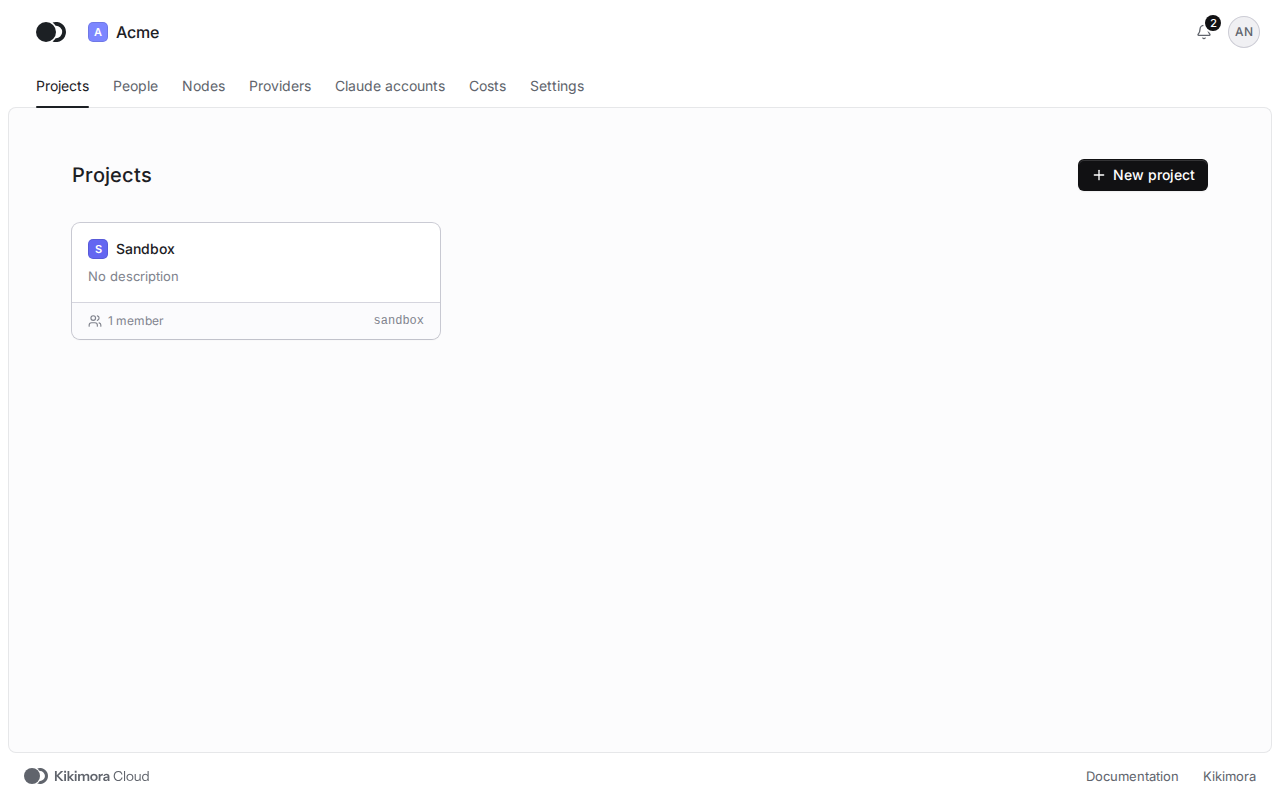
Step 1: Watch the bell
The bell in the top right corner shows the number of unread notifications and updates live. Click it to open the list.
Step 2: Go through the list
The All tab shows every notification, and Unread only those you have not read yet. Click a notification to go where something needs doing, such as the Credentials tab of a project. The click marks it as read.
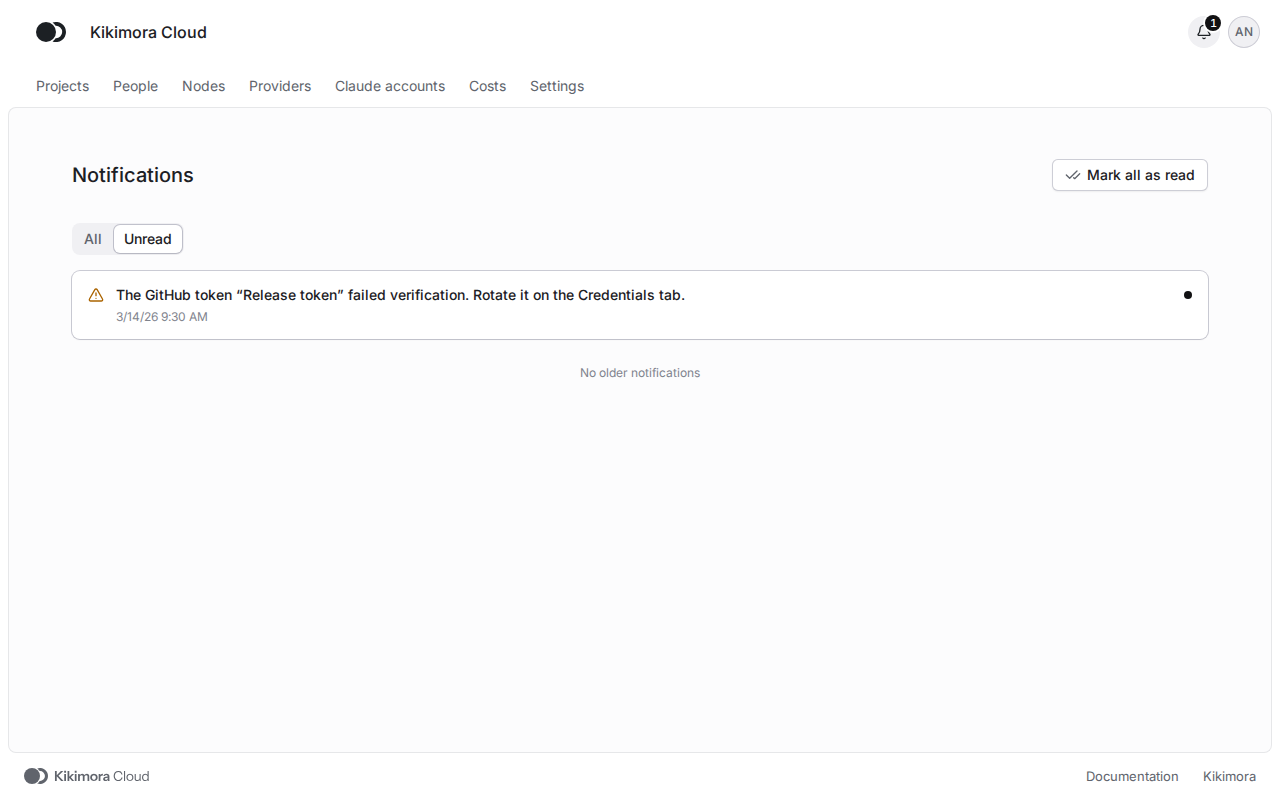
A notification without a destination has a Mark as read button, and Mark all as read in the header clears the whole count. Once the problem is gone, for example after the credential was replaced, the notification is marked Resolved.
You see the notifications about the projects you are a member of. An organization admin sees the notifications about every project of the organization.
Matches the panel at cloud.kikimora.dev.