PanelAgent
Tasks of an agent
The tasks are the queue the monitor fills and the executor works through. You can add a task of your own to it, retry a failed one or cancel a pending one.
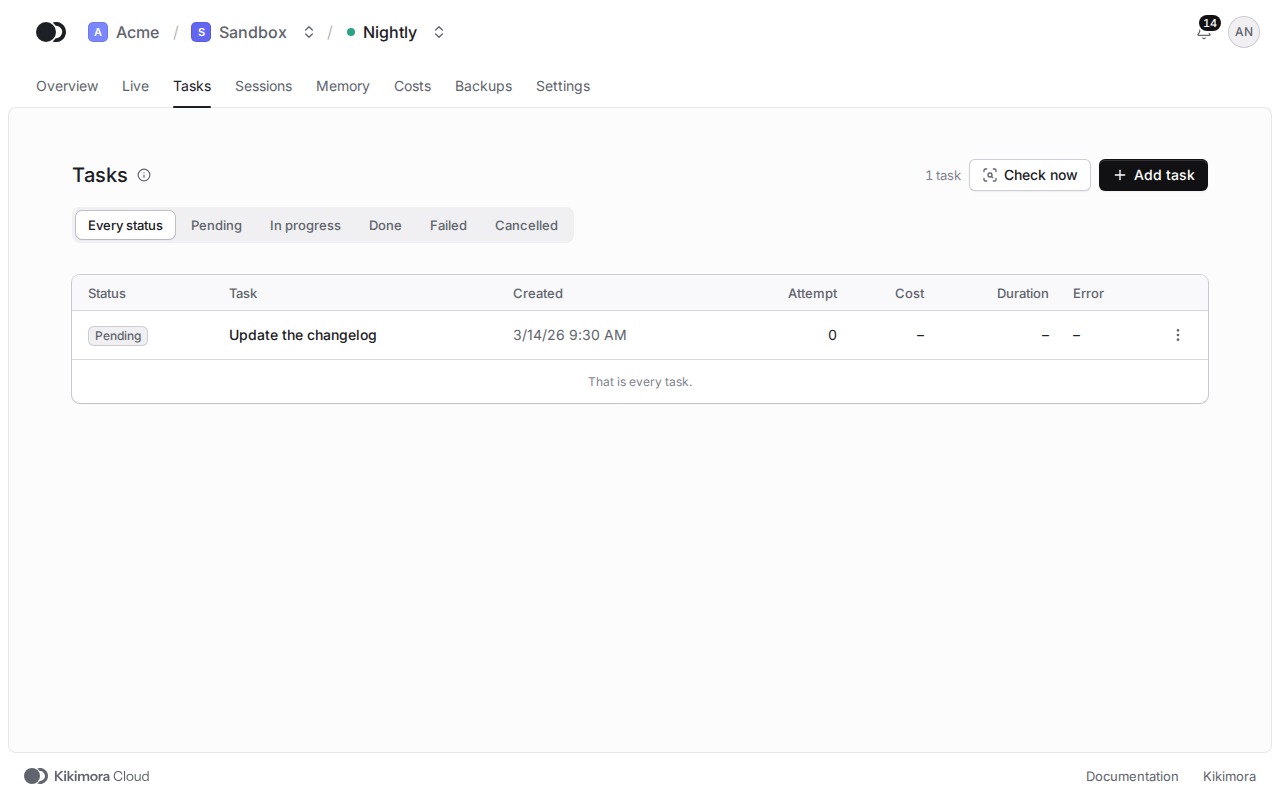
Step 1: Look through the queue
Click the Tasks tab. Each row has its Status, the attempt, the duration and the cost, and the Status filter narrows the list. Check now runs a monitor cycle at once, also outside the active hours.
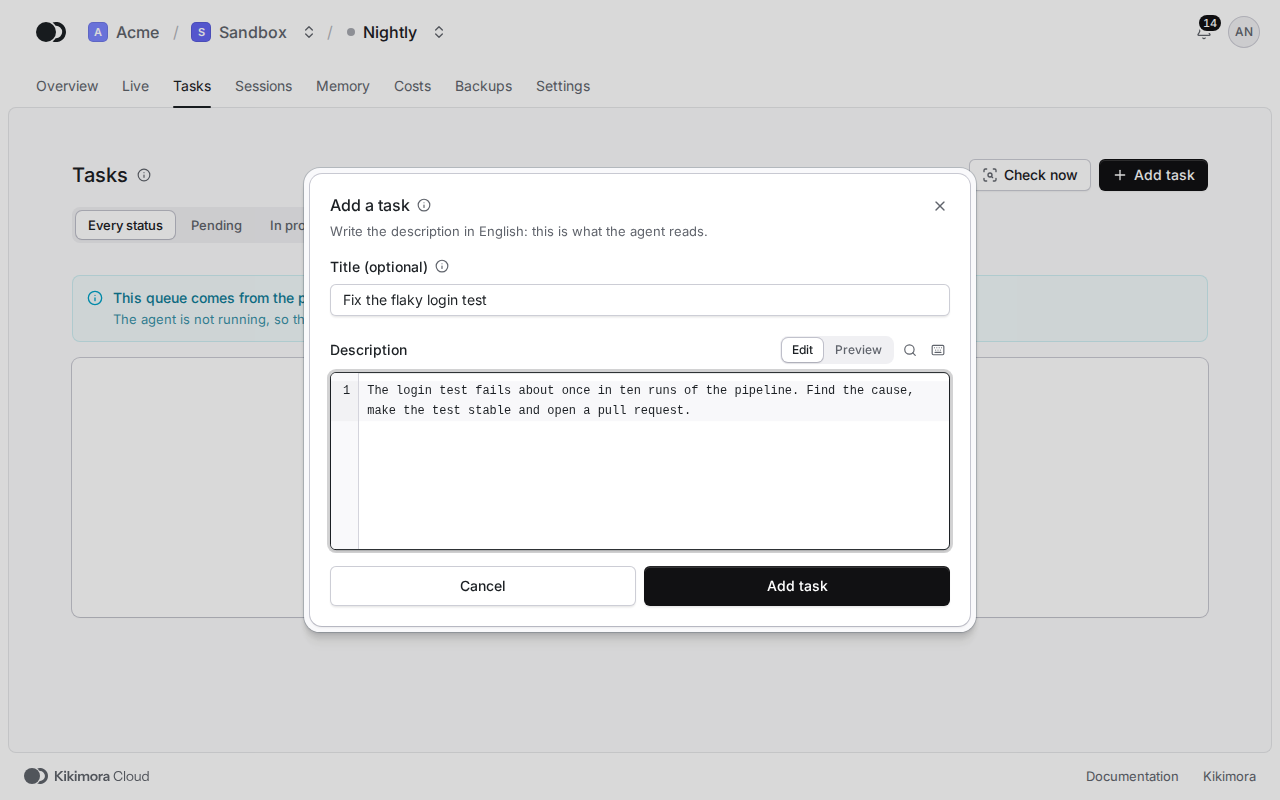
Step 2: Add a task
Click Add task, write the Description in English, because that is what the agent reads, and click Add task. The title is optional: without it, the agent takes the title from the description.
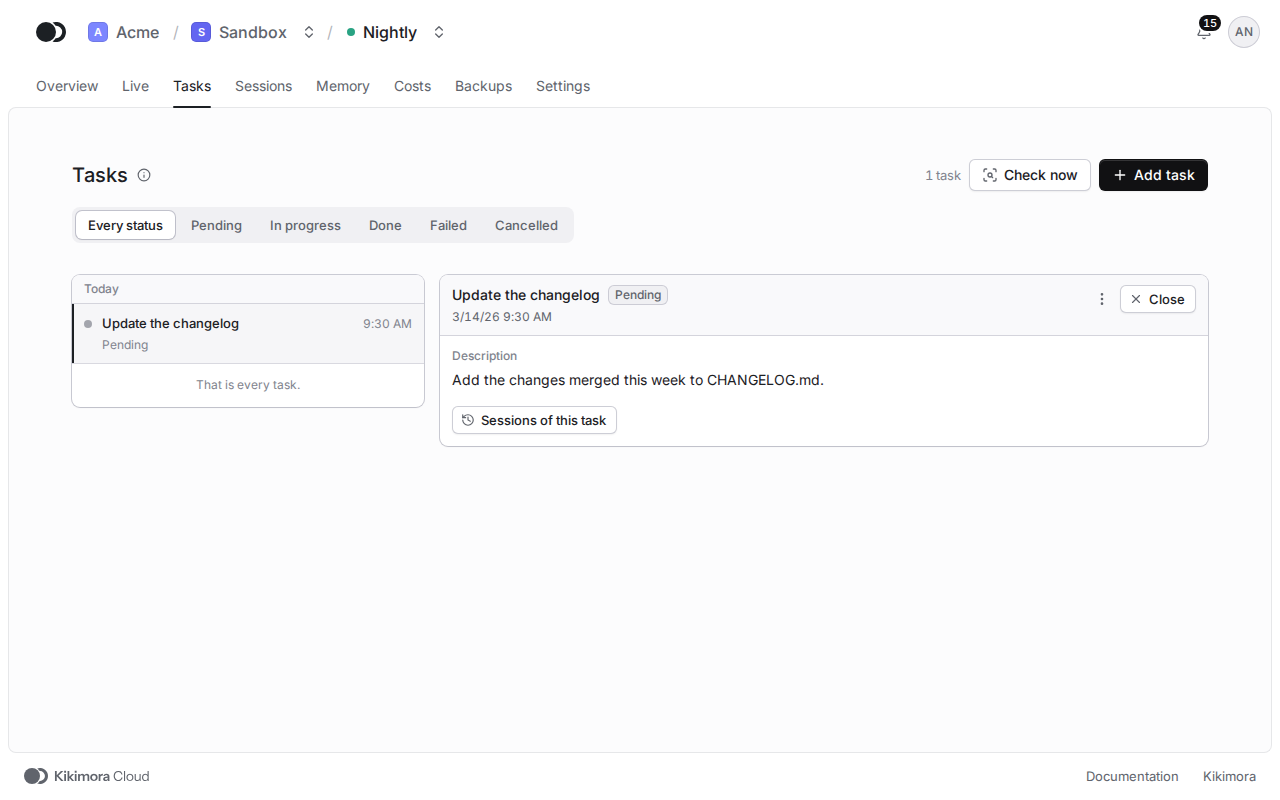
Step 3: Open a task
Click a row to see the whole description of the task and the Sessions of this task. Move between tasks with the up and down arrow keys, and Close takes you back to the list.
The menu of a row has Retry for a failed task, Cancel task for a pending one and Delete for a finished one. The Delete menu above the list has Delete done, Delete failed and Delete cancelled, which remove every task of that status at once. The monitor may report a deleted done task again.
The running agent supplies the queue. When the agent is not running or does not answer, the panel shows what the platform recorded earlier, and says so above the list.
Matches the panel at cloud.kikimora.dev.