PanelOrganization
Organization costs
The Costs tab adds up what the agents of every project of the organization reported spending, by UTC day and by project.
Who can do it
Only an organization admin.
1
Step 1: Open Costs
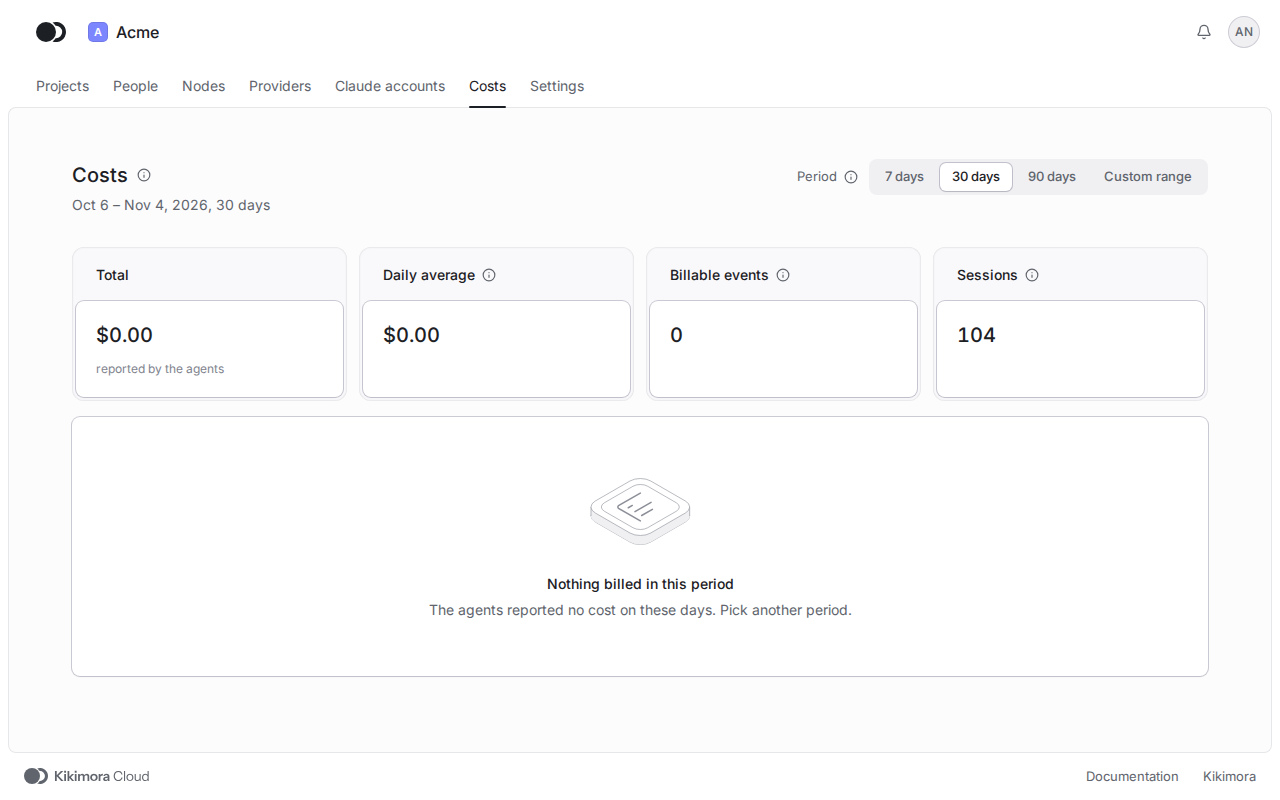
Click Costs in the header of the organization and in the Period field pick a number of recent days or a Custom range with the From and To days. The top shows the Total, the Daily average, the Billable events and the Sessions, then a chart of the cost per UTC day, and below it the table By project, which lists under each project its agents with a cost, the most expensive first.
A day runs from 00:00 to 24:00 UTC, the way the platform adds up cost. A billable event is a model run with a cost, not a task. The costs of a single agent show on the Costs tab of its page.
Matches the panel at cloud.kikimora.dev.