PanelOrganization
Projects of the organization
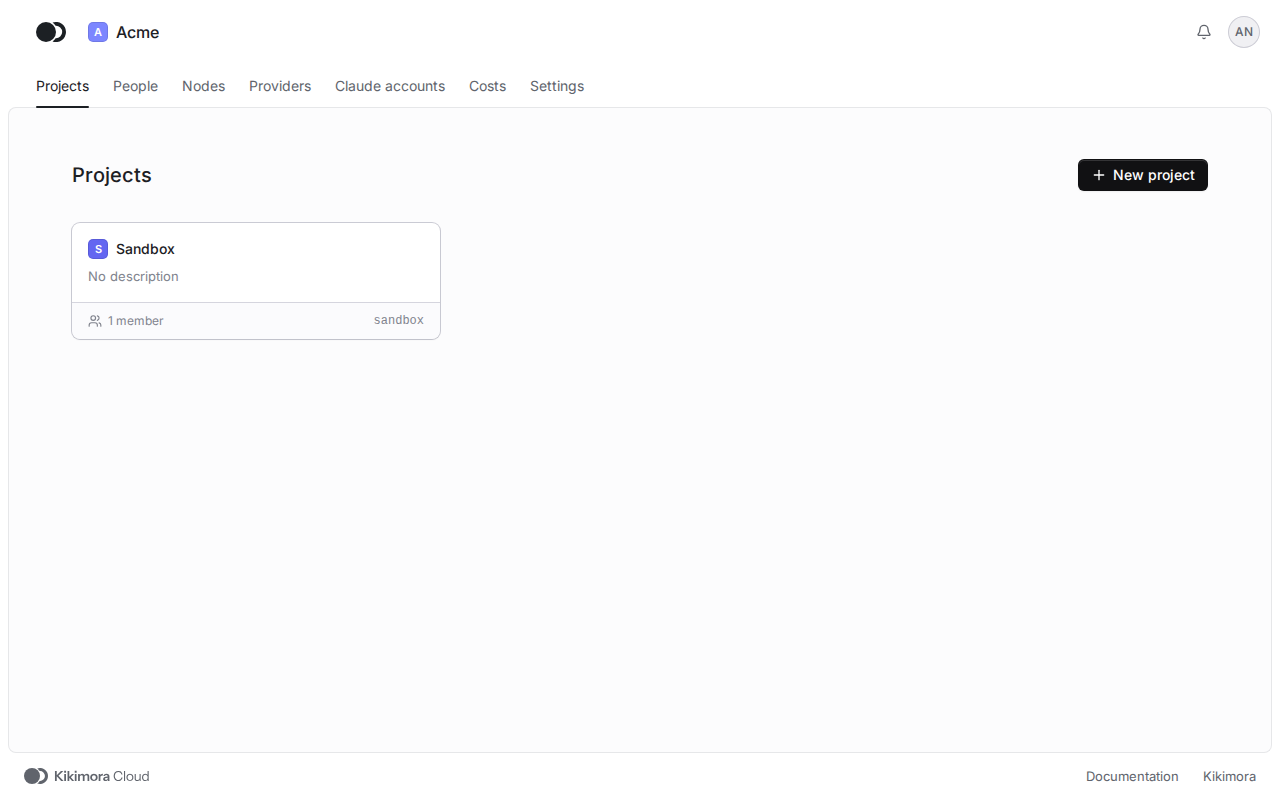
A project groups the agents, repositories, credentials and tools of one undertaking, such as an app, a service or a set of documents. The Projects tab is the home page of the organization.
Step 1: Open Projects
After you sign in, the panel opens the Projects tab of your organization. Click the card of a project to open it. An organization admin sees every project, and a member only those they were added to.
Step 2: Create a project
Click New project. Type the Name, and the Slug follows it. The Description is optional. Pick a Color that marks the project in the panel, and click Create project.
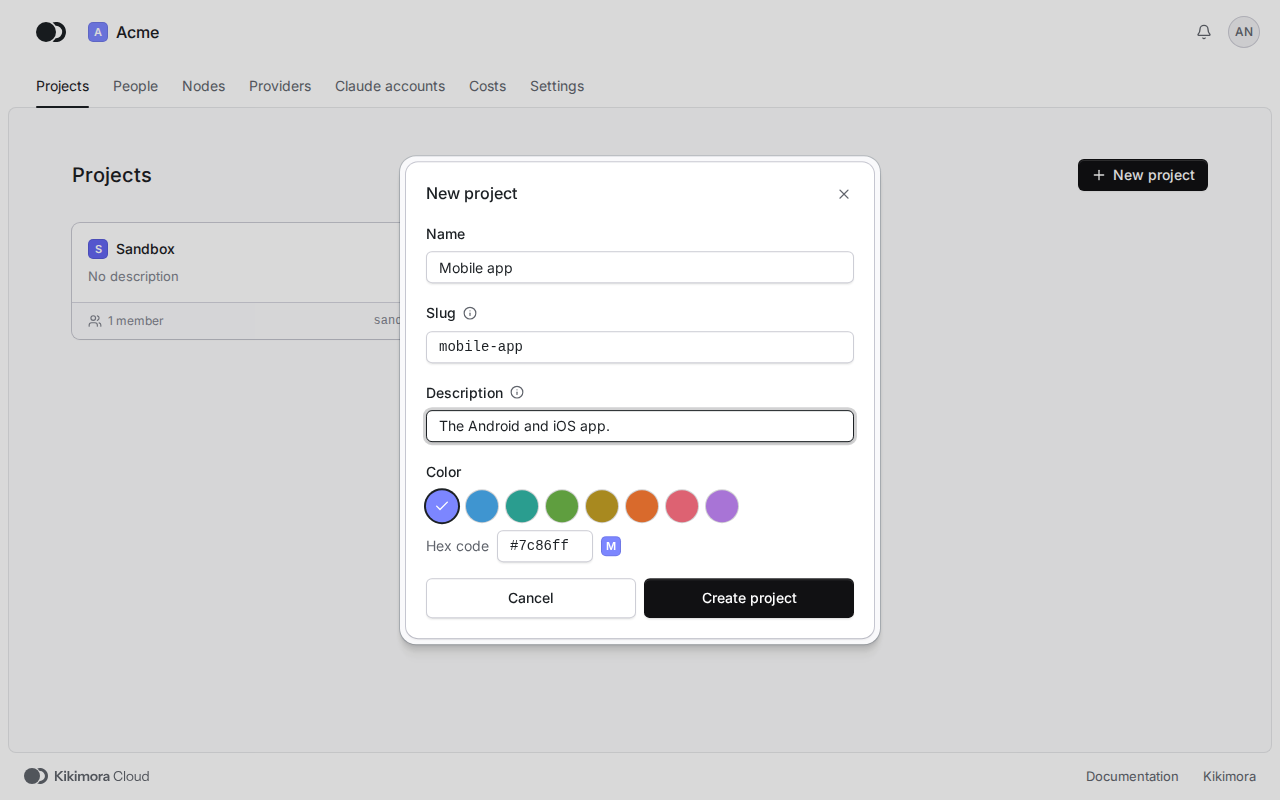
A new project is empty. Add its members, repositories and credentials, set up the queue of Claude accounts in its settings, then add the first agent.
Matches the panel at cloud.kikimora.dev.