PanelAgent
Memory of an agent
After every task it finishes, the agent writes a summary of it. These summaries are the memory the agent draws on in its next tasks.
Step 1: Open the memory
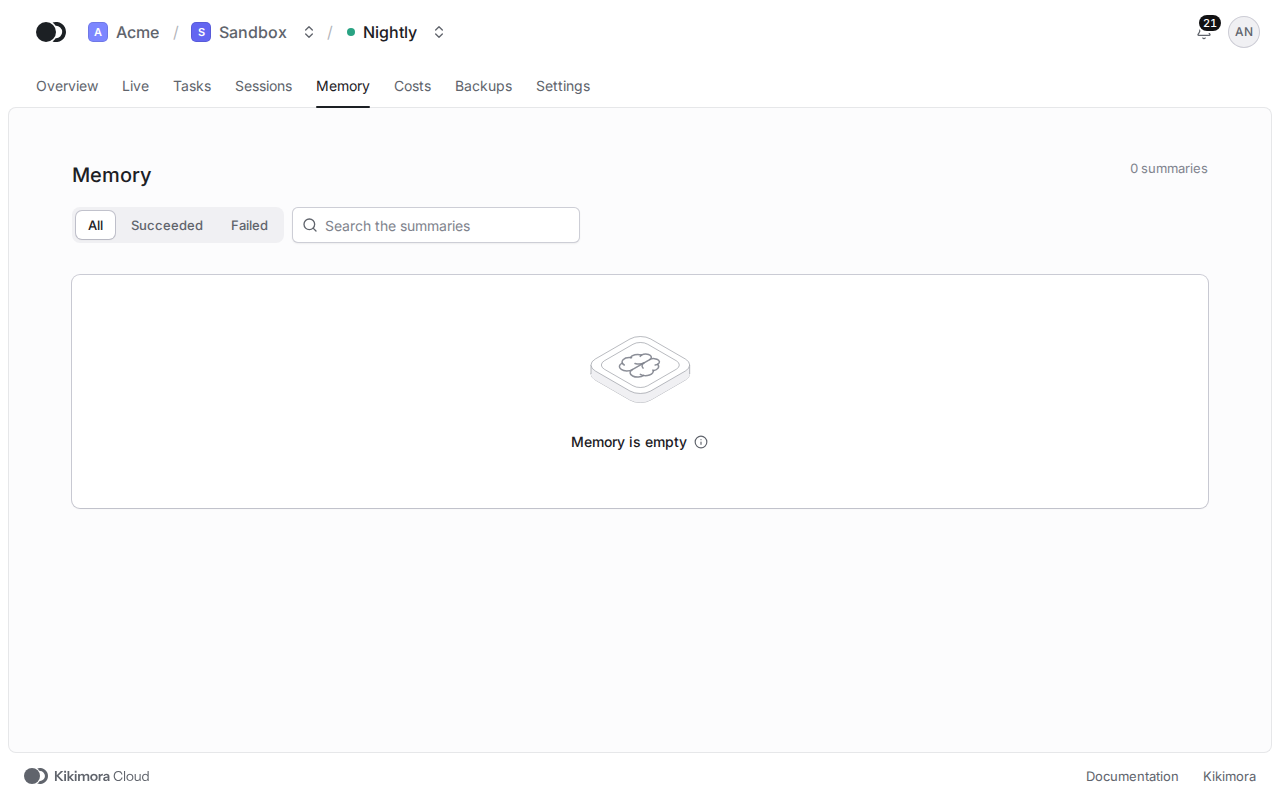
Click the Memory tab. Each row is the summary of one task, with its Task ID, the attempt and the Outcome. The Search the summaries field and the Outcome filter narrow the list. Until the agent finishes its first task, the memory is empty.
Click a row to open the summary. Next to the list you see its whole text, the error when the attempt failed, and the Links to the task and to its sessions. Close the summary takes you back to the list, and the up and down arrow keys move between summaries.
The memory lives in the agent alone, so the panel shows it only while the agent runs. Every night it also goes into the backup of the agent.
Matches the panel at cloud.kikimora.dev.