PanelProject
Project members
A member of a project sees its agents and works with them. A project admin also changes the members and the settings.
Who can do it
Only a project admin or an organization admin.
1
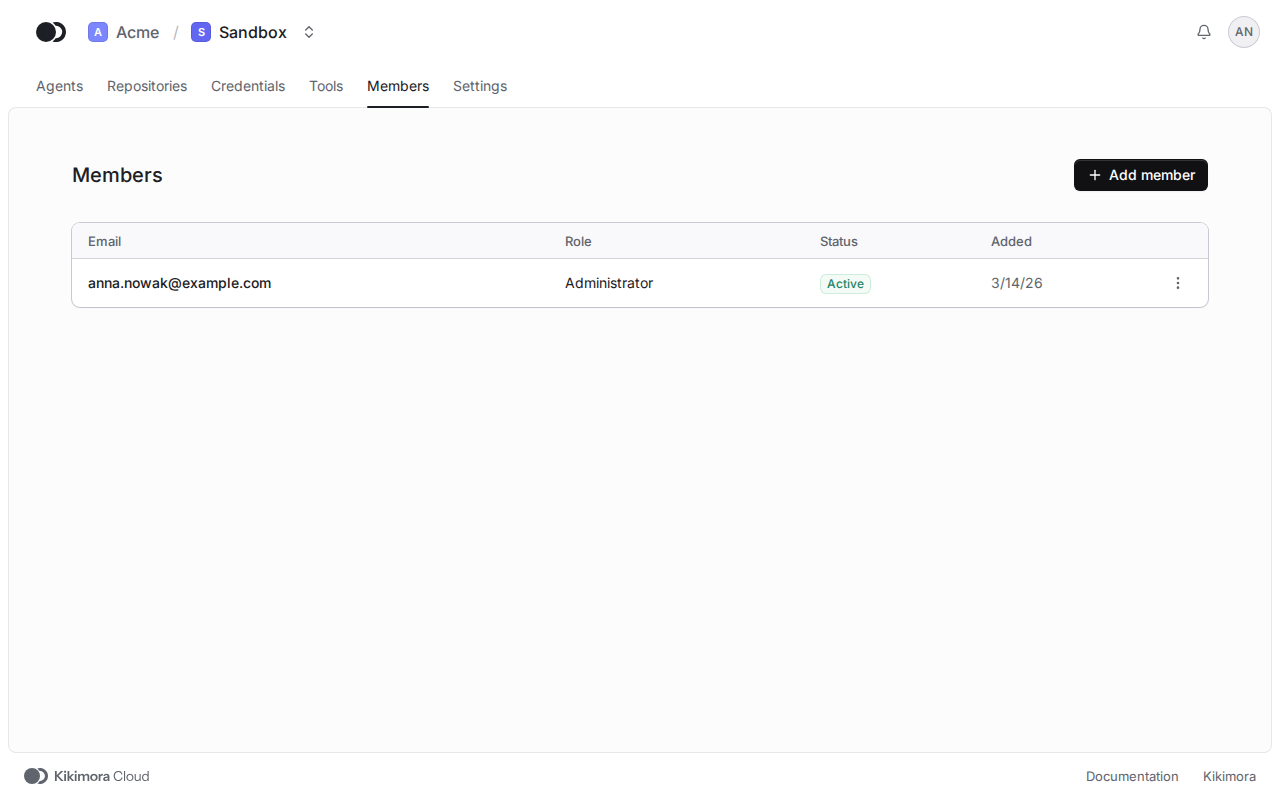
Step 1: Open the Members tab
In the project, open the Members tab and click Add member.
2
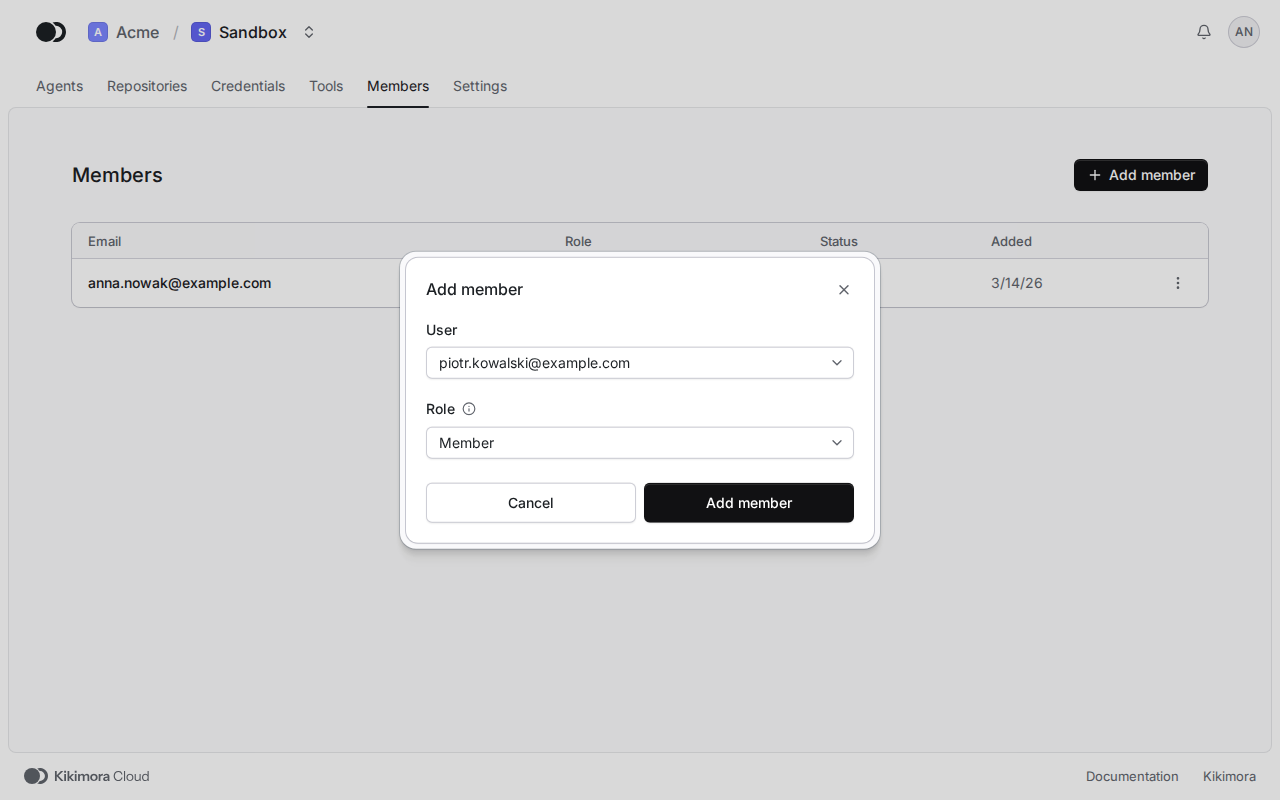
Step 2: Pick the person and the role
Pick a person of the organization, give them a role and click Add member.
Matches the panel at cloud.kikimora.dev.