PanelAgent
Costs of an agent
The Costs tab adds up the cost of the model runs the agent reports itself, day by day and task by task.
Who can do it
Any member of the project.
1
Step 1: Open the costs
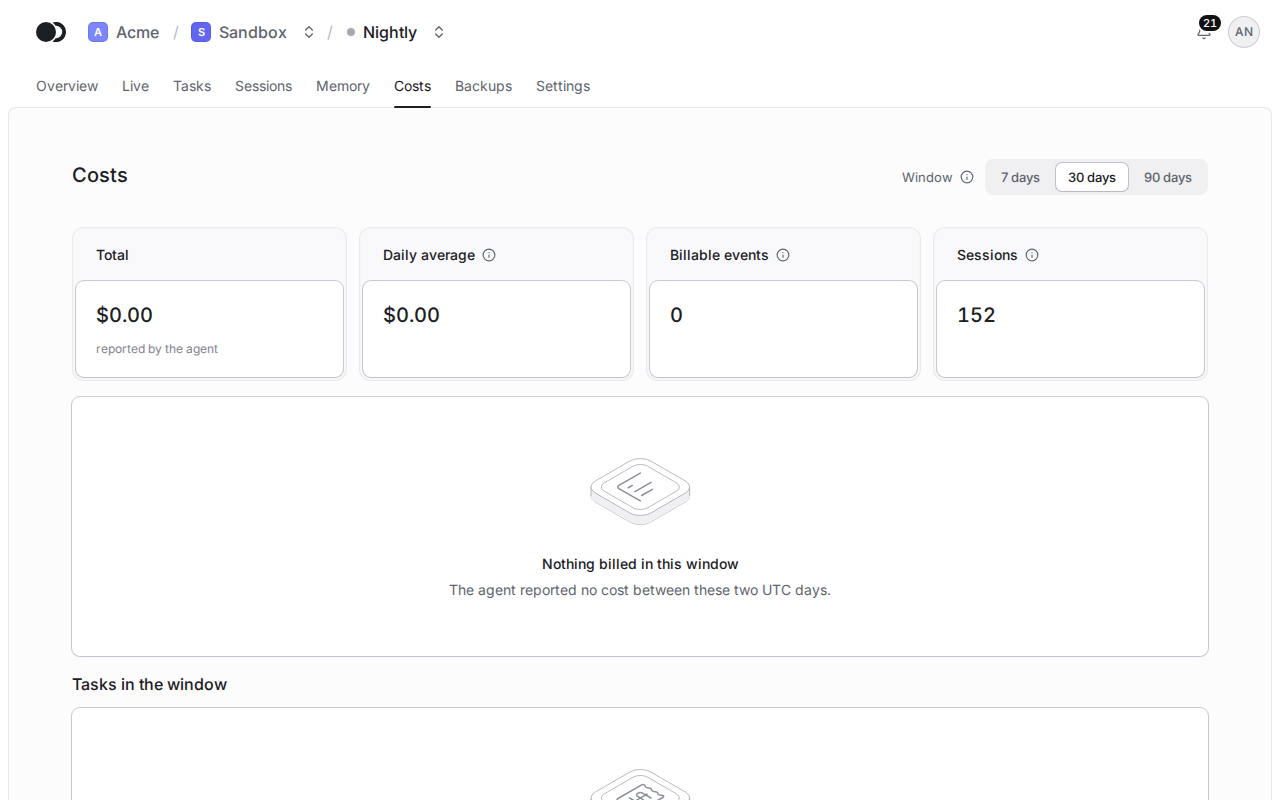
Click the Costs tab. At the top you see the Total, the Daily average, the Billable events and the Sessions, below them the Cost per UTC day chart when the window holds any cost, and under it the Tasks in the window with the cost of each.
2
Step 2: Change the window
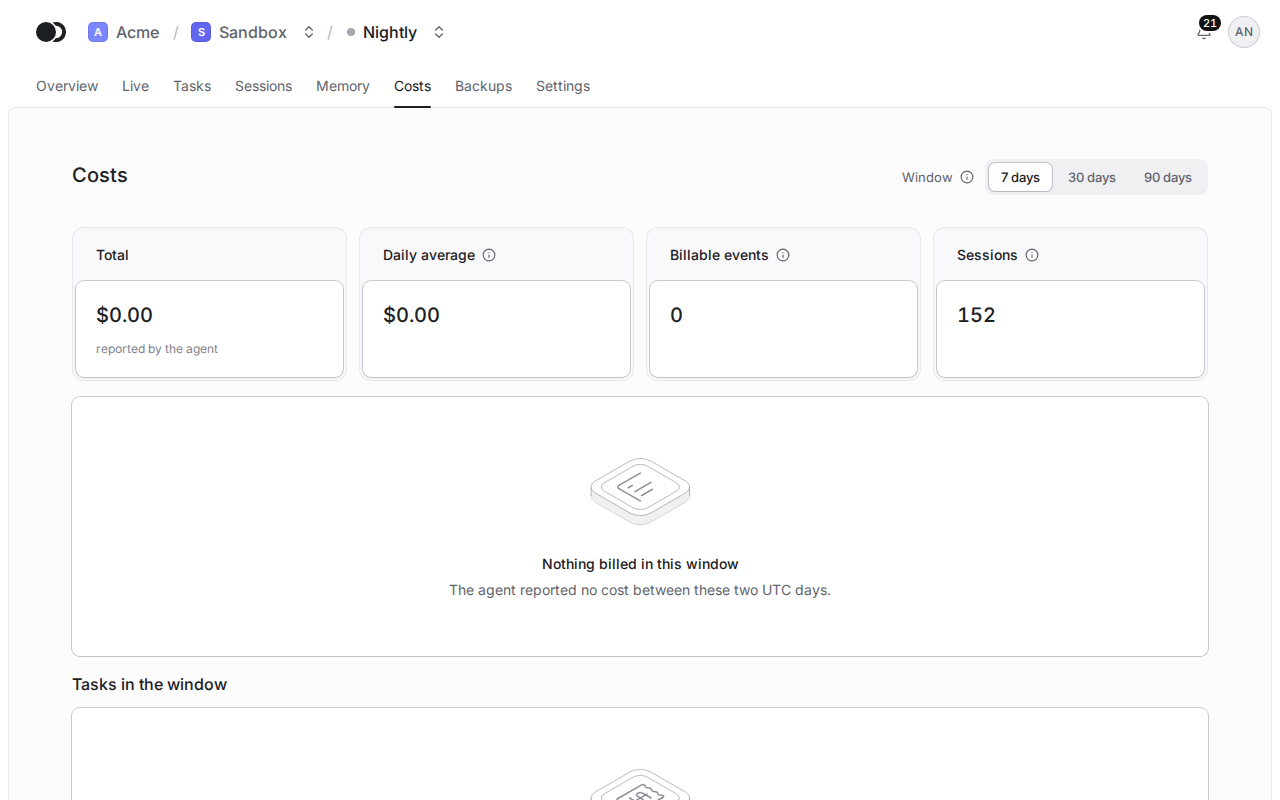
Pick 7 days, 30 days or 90 days in Window. A day runs from 00:00 to 24:00 UTC, the way the platform aggregates cost.
Matches the panel at cloud.kikimora.dev.